The administrator and the manager of the Expensya Card holder have the ability to close approved budgets that are no longer required by the card holder.
Managers close budgets:
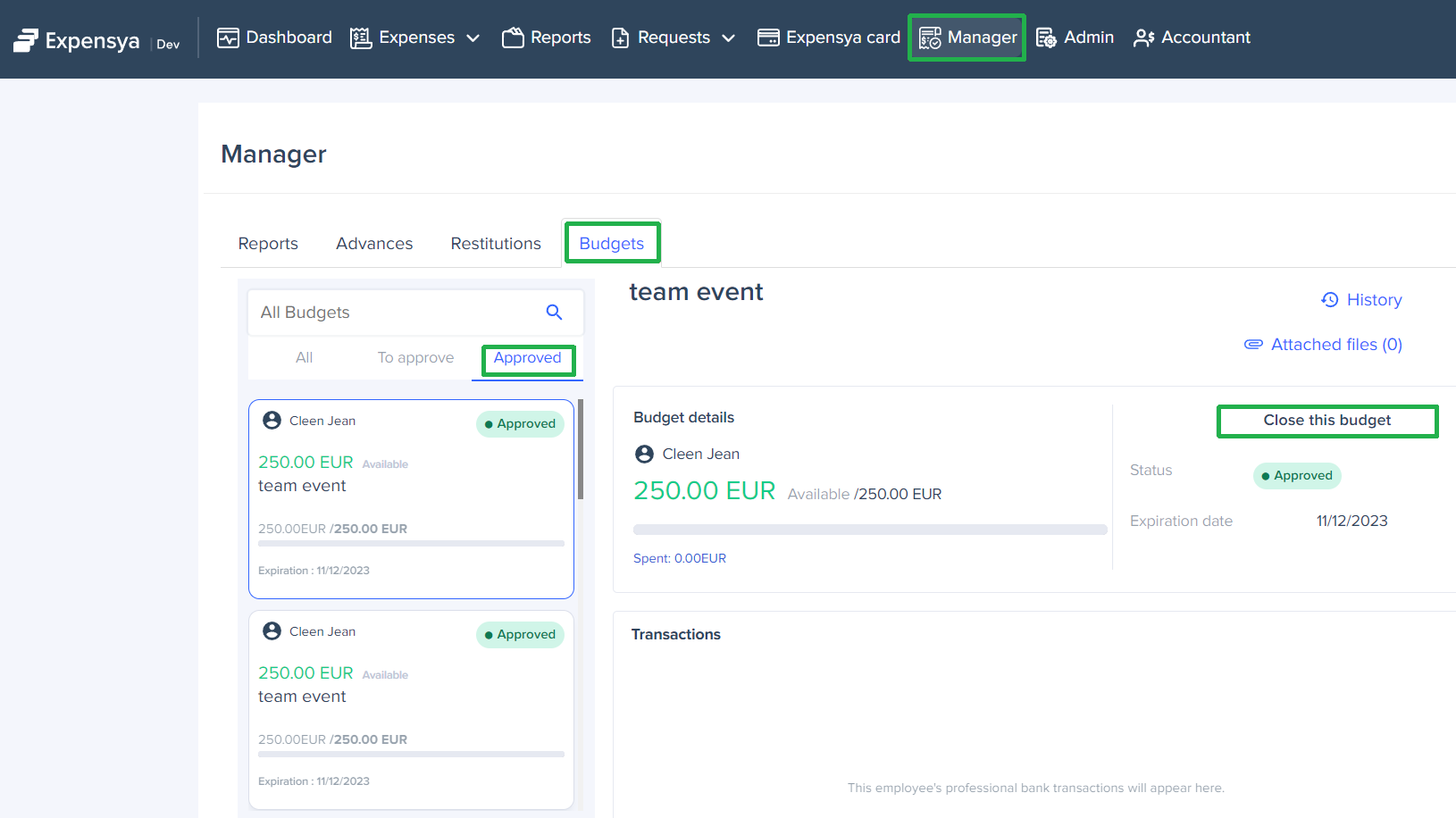
To close one approved budget, you can follow the following steps:
- Connect to Expensya web application and access to the Manager menu, select Budgets tab then Approved budget status.
- Select a budget and click on Close this budget button, which will trigger a modal where you can provide a closure reason.
Warning: Once the budget has been closed, the card holder can no longer use it.
Was this article helpful?
That’s Great!
Thank you for your feedback
Sorry! We couldn't be helpful
Thank you for your feedback
Feedback sent
We appreciate your effort and will try to fix the article