Accountants and administrators may need to export a report of the total mileage expenses incurred by employees towards the end of the year or the fiscal year.
To do this, follow the steps below:
- Go to the Administration tab.
- Click on the Expenses and Requests menu > sub-menu Expense List
- Use the expense filters to obtain the list of mileage expenses.
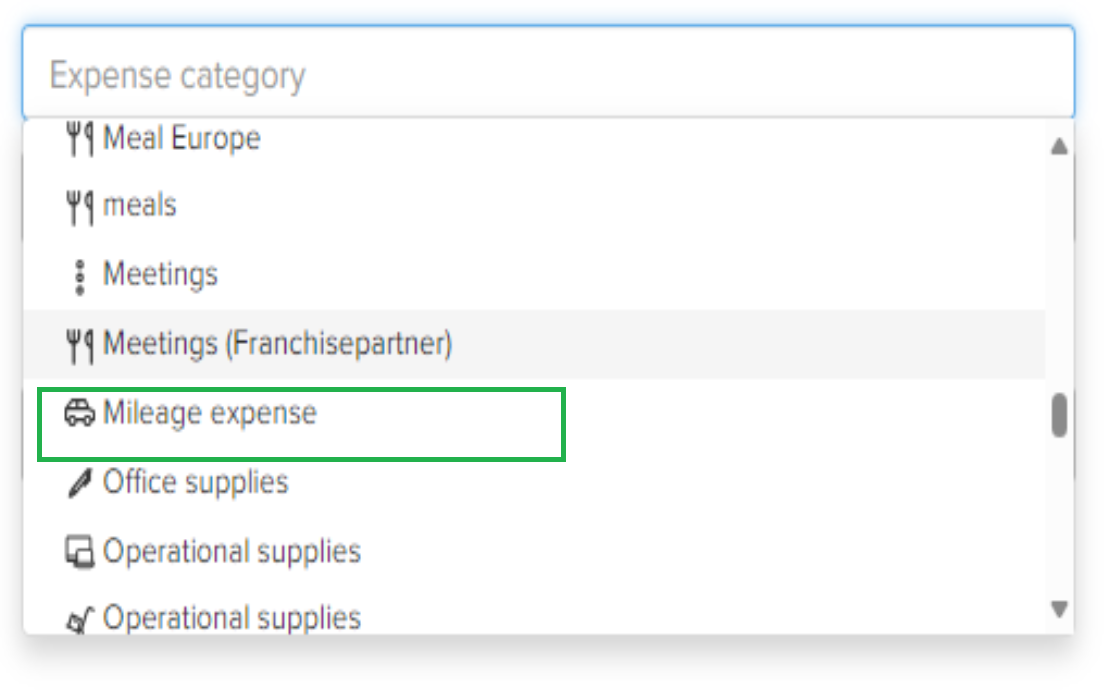
- In the Expense Category, choose Mileage Expenses
- In the Expense Date, select the start and end date of the period for which you want to perform the export.

- After filtering the expenses, click on Export Results
- Choose the export format from the list of available formats.
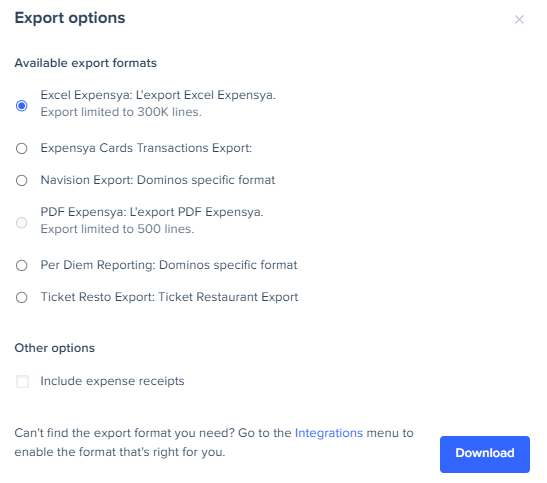
- Click on Download and analyze the exported data.
Was this article helpful?
That’s Great!
Thank you for your feedback
Sorry! We couldn't be helpful
Thank you for your feedback
Feedback sent
We appreciate your effort and will try to fix the article