For German accounts, the standard PDF export of expenses also includes the per diem amounts.
To obtain the detailed table of Per Diem days, simply check the include expense receipts option.
The desired export will be sent to your email inbox, accompanied by a summary table of details for the different per diem days, which is necessary for German declarations.
This can be done from both the administrator and user tabs:
- Check the relevant Per Diem entries.
From the users' account, Expenses tab
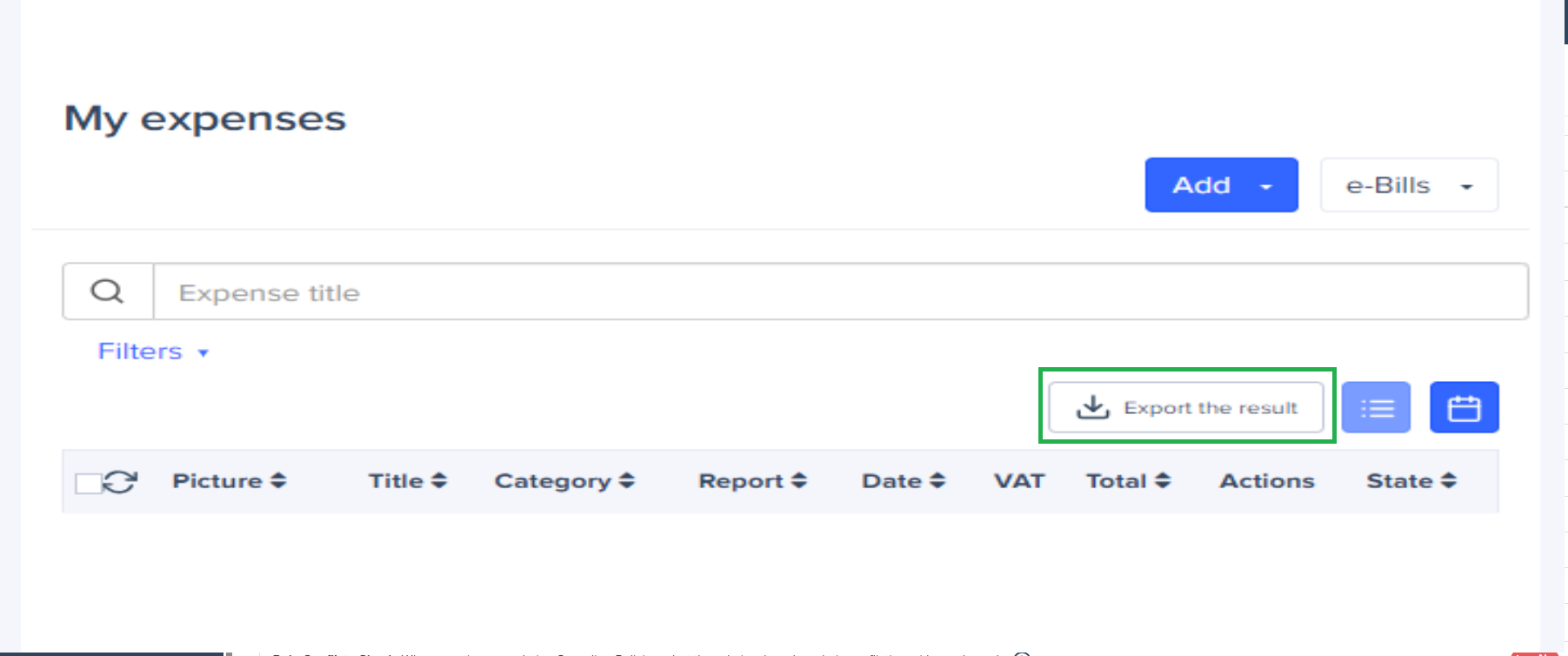
From the Admin tab.
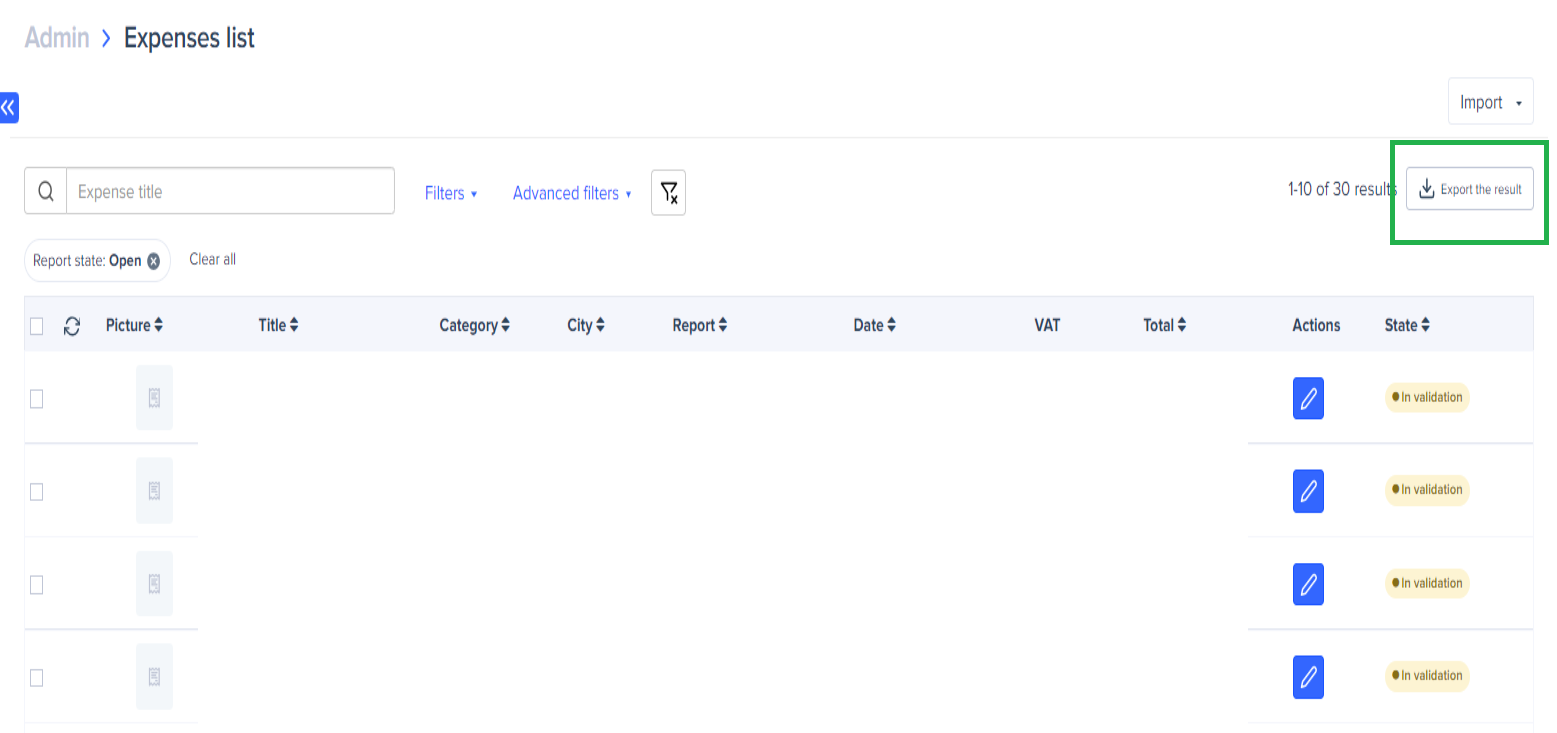
- Click on Export
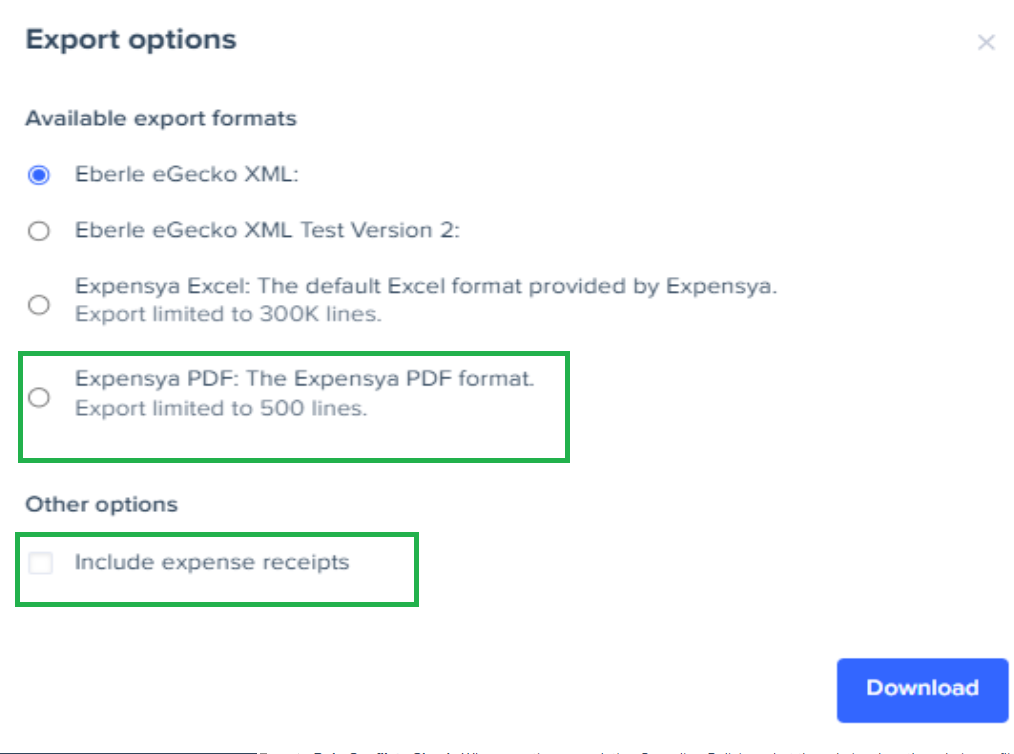
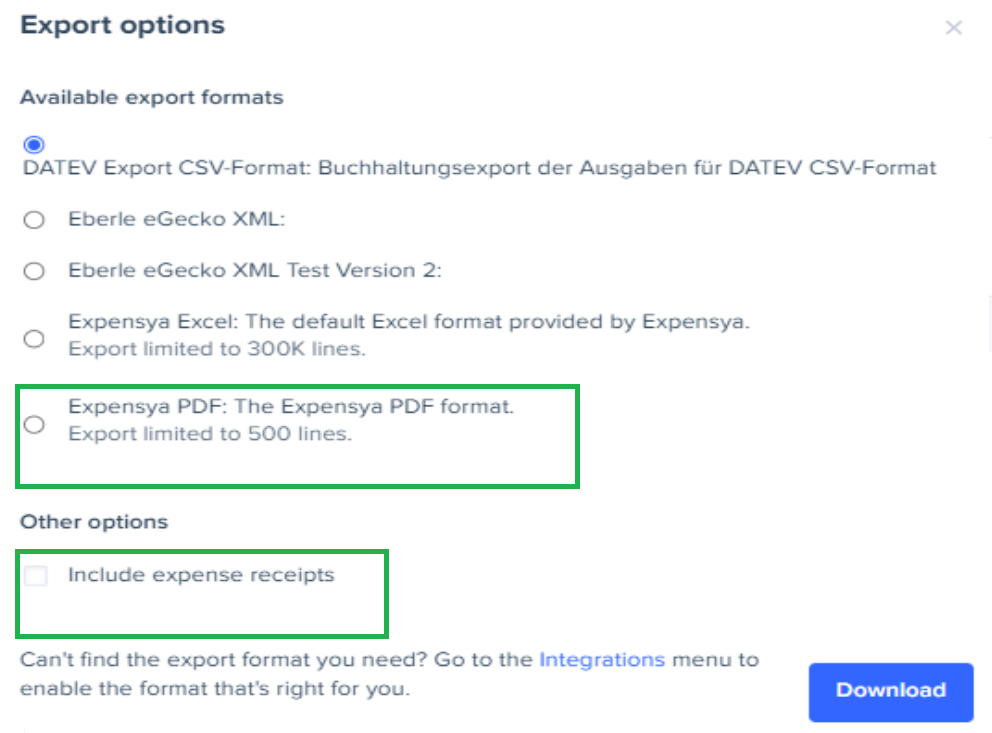
- Select the export format as Expensya PDF, while checking include expense receipts.
From the User account.
From the Administrator tab.
The export file in question will be sent to your email inbox, along with a summary table detailing the days/dates of the respective per diems.
Was this article helpful?
That’s Great!
Thank you for your feedback
Sorry! We couldn't be helpful
Thank you for your feedback
Feedback sent
We appreciate your effort and will try to fix the article