To access the different functionalities of the Expensya application within Teams, you need to enter commands in the conversation.
To view all available commands in the Expensya application for Teams, enter Help in the conversation.
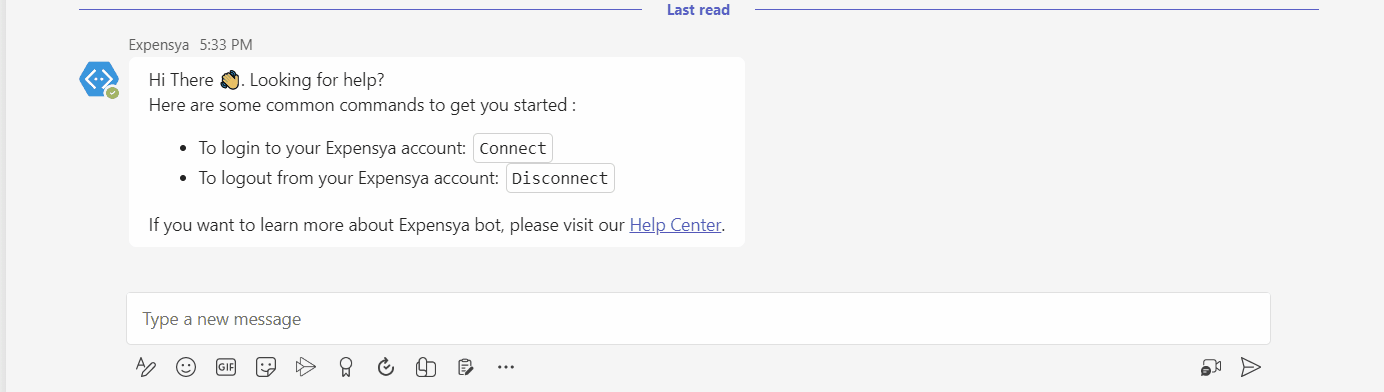
During logout, users can enter the command Disconnect. Once disconnected, tabs and notifications will not be available until the user reconnects.
Note: It's important to note that Teams notifications do not replace email notifications.
Please refer to the article "Email Notifications Sent by Expensya" to get more information about the emails that we might send you.
Note: Language preferences in the Expensya application are determined based on the user's preferred language. Users can manage their language settings in the personal settings section.
For more details, please refer to the article "My Personal Settings".
Was this article helpful?
That’s Great!
Thank you for your feedback
Sorry! We couldn't be helpful
Thank you for your feedback
Feedback sent
We appreciate your effort and will try to fix the article