In Expensya, you can update your payment method through the web. However, only an administrator of the Expensya account has the authority to perform this action.
Here's how:
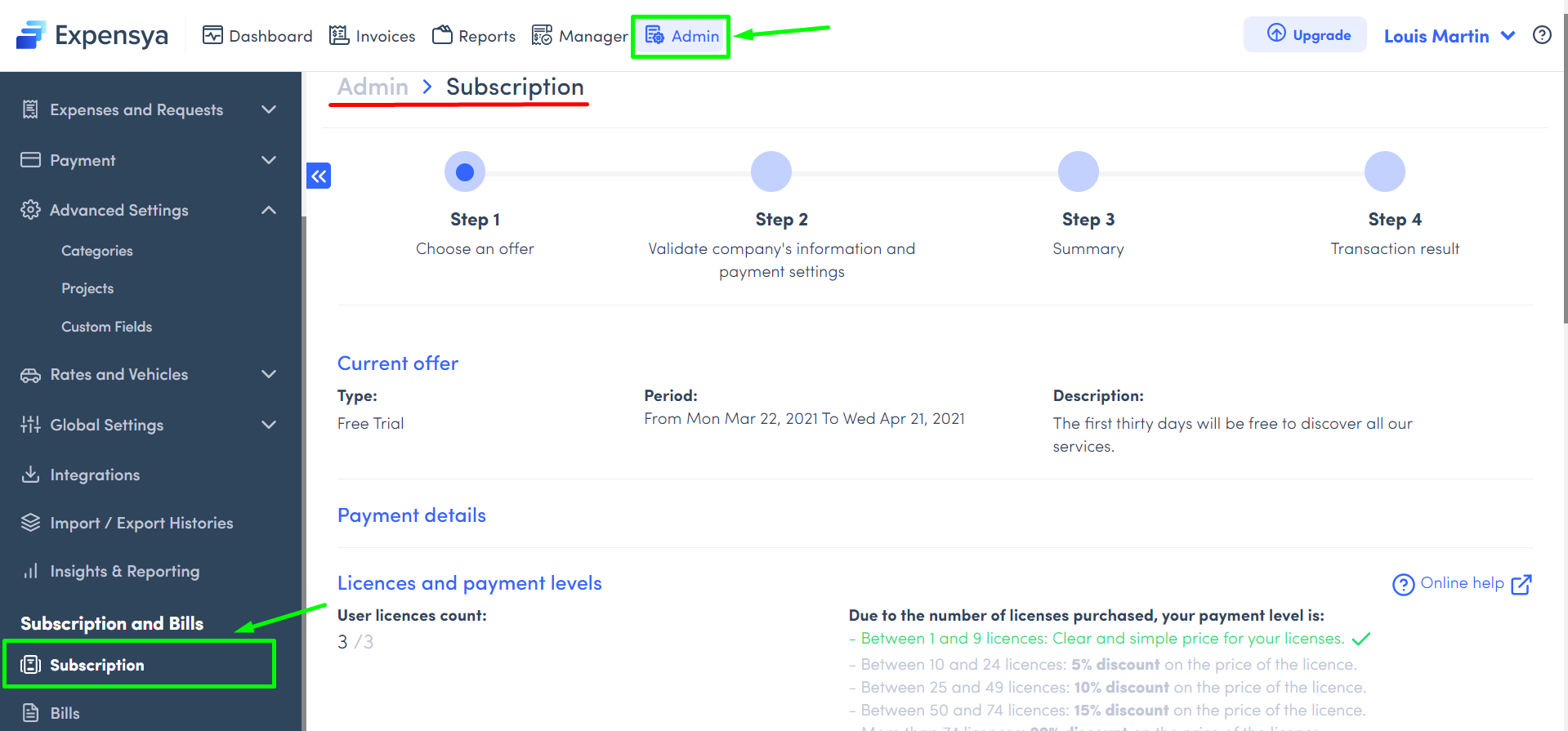
- Go to the Admin tab, under the Subscription menu,
- Click on Update payment details
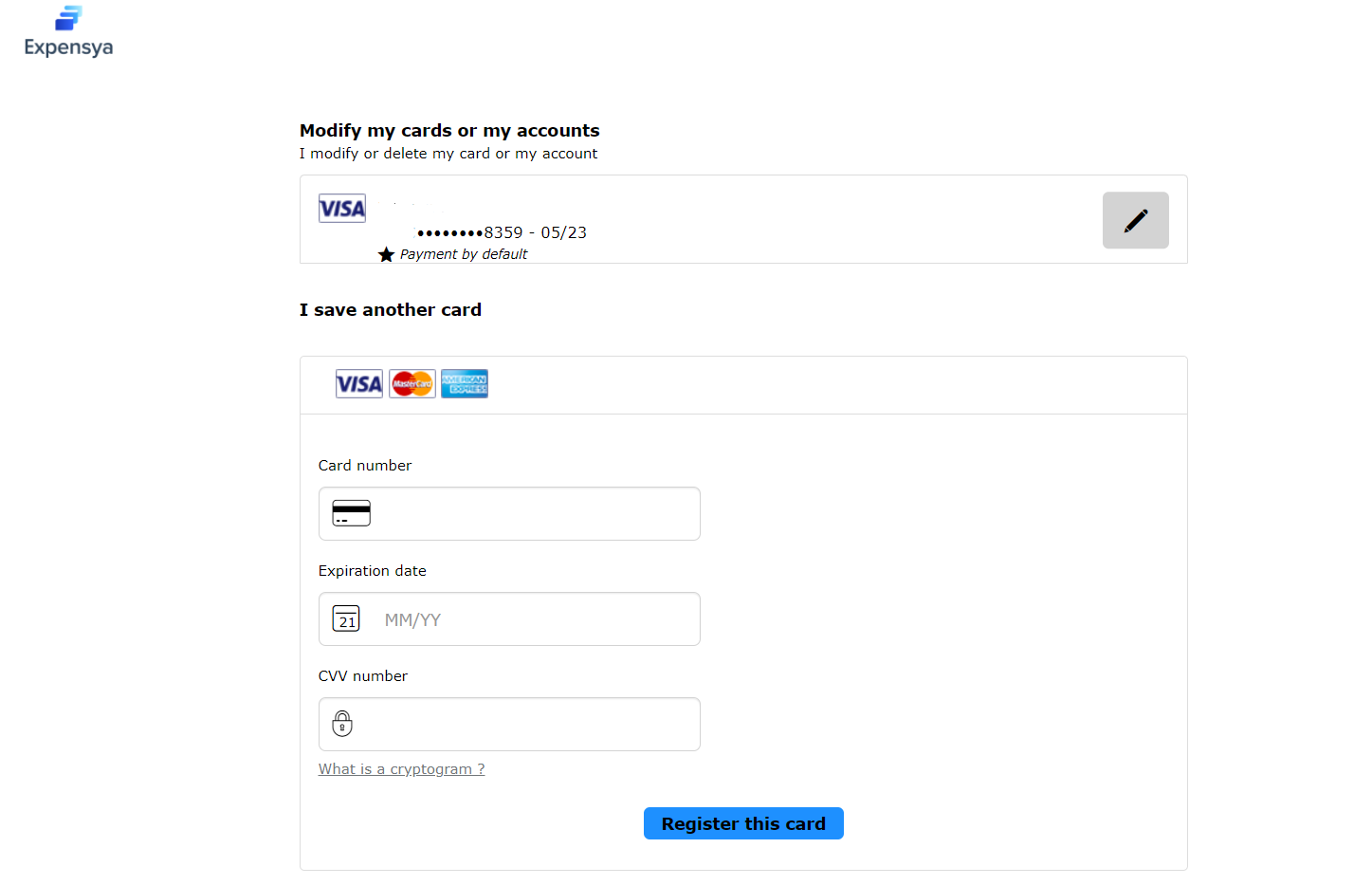
- Enter the card number, expiration date and the CCV number.
Was this article helpful?
That’s Great!
Thank you for your feedback
Sorry! We couldn't be helpful
Thank you for your feedback
Feedback sent
We appreciate your effort and will try to fix the article