If you want to make extensive changes to your users as an administrator, Expensya makes it easy for you with its available export feature.
The simplest method is to export the users, make the necessary changes to the relevant columns, and then re-import the modified file.
Follow these steps to complete the task:
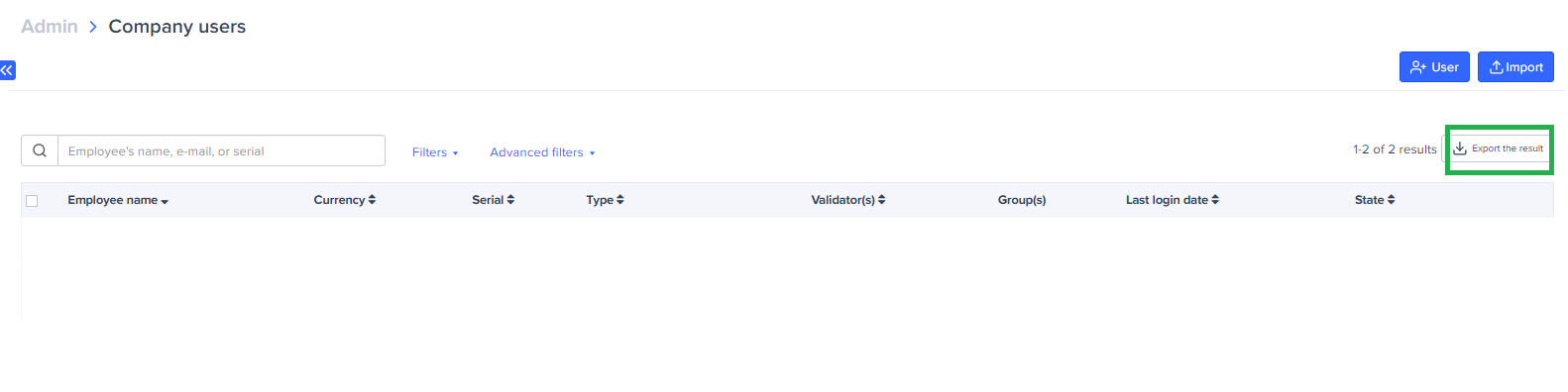
- Export the existing list of users: in the Admin tab, click on Users and Access > Users > Export Result.
- Make the necessary changes in the exported file.
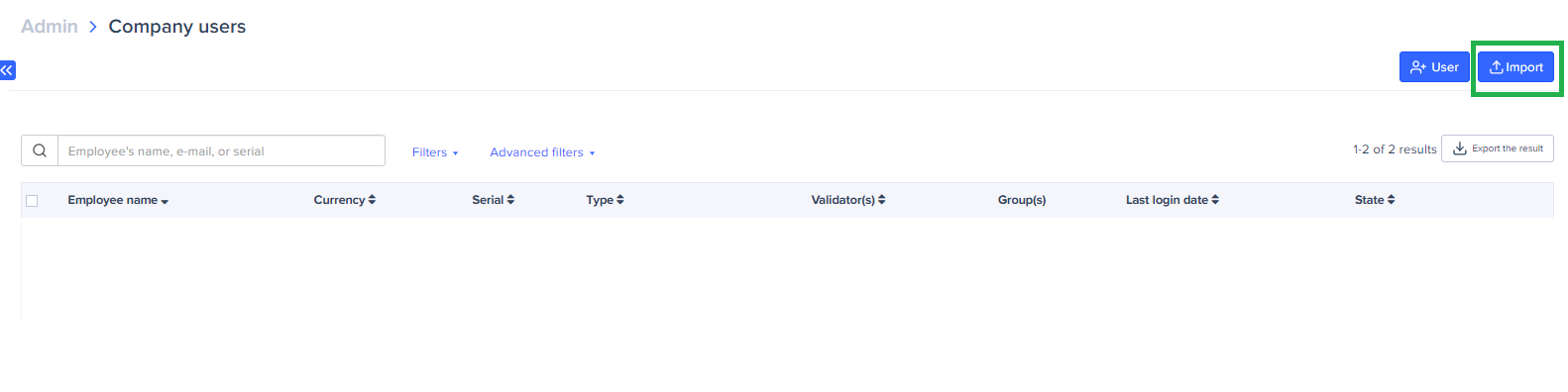
- Import the new list of employees after editing. In the Administration tab, click on Users and Access > Users > Import.
- Click on Import File and select the file you have edited. Then, click on Import to finalize the task.
Was this article helpful?
That’s Great!
Thank you for your feedback
Sorry! We couldn't be helpful
Thank you for your feedback
Feedback sent
We appreciate your effort and will try to fix the article