As Administrator, Expensya allows you to assign collaborators or groups of users to a project from the website.
To assign your employees to a project :
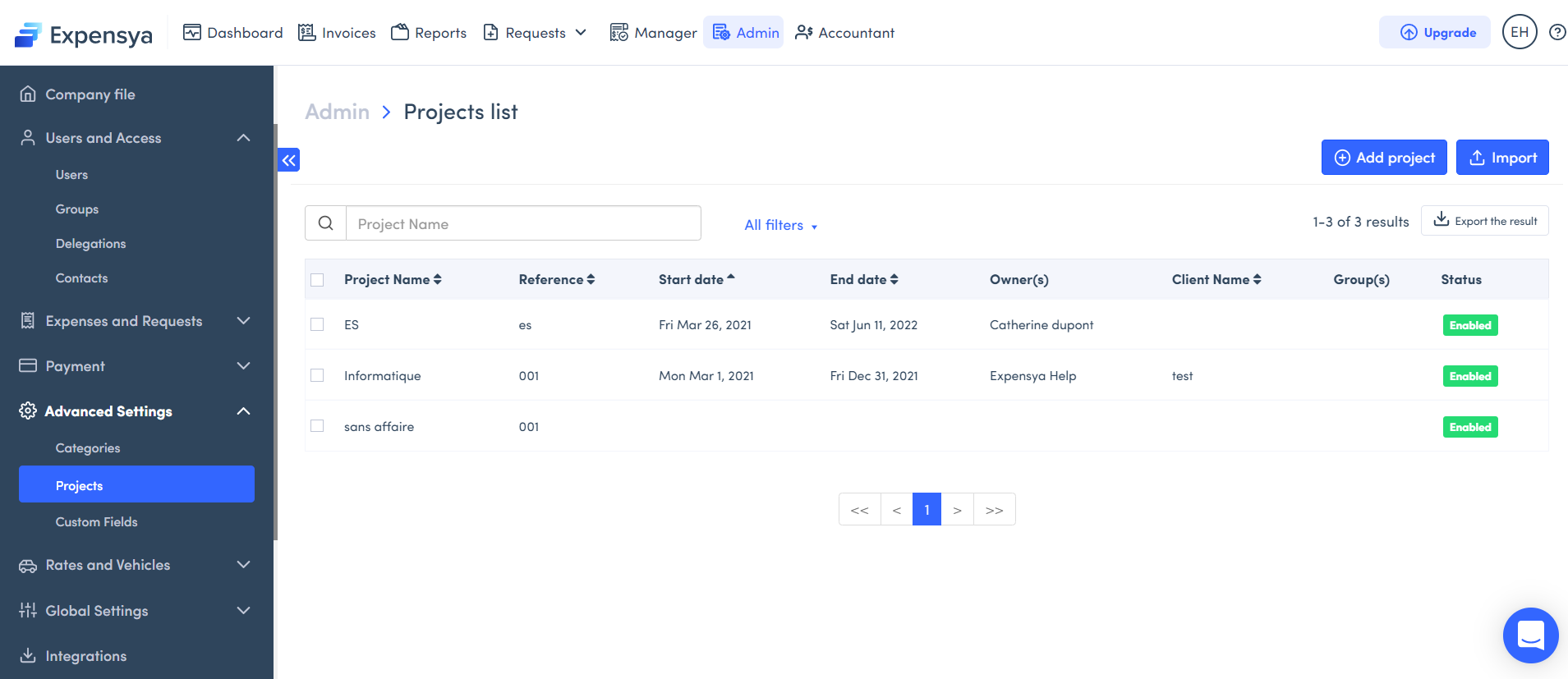
- Go to Admin, then to Advanced settings menu, click on Projects submenu,
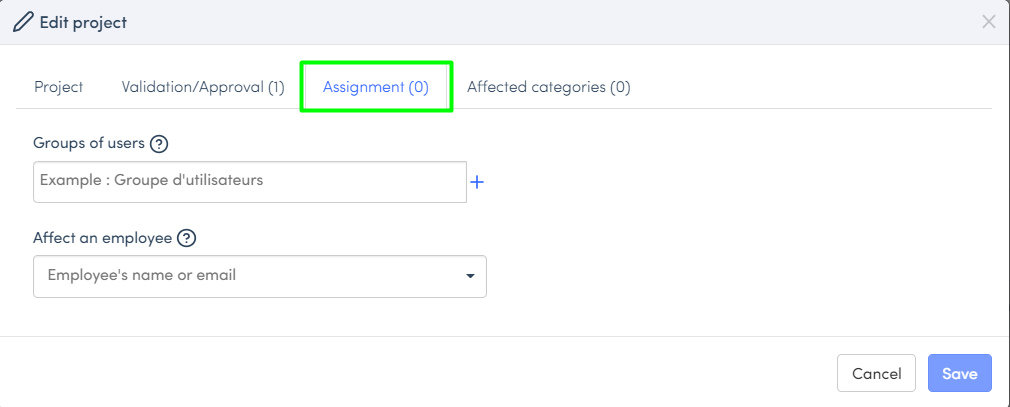
- Click on a project to edit, and assign users or groups from the assignment tab,
- Enter an assignment period if needed,
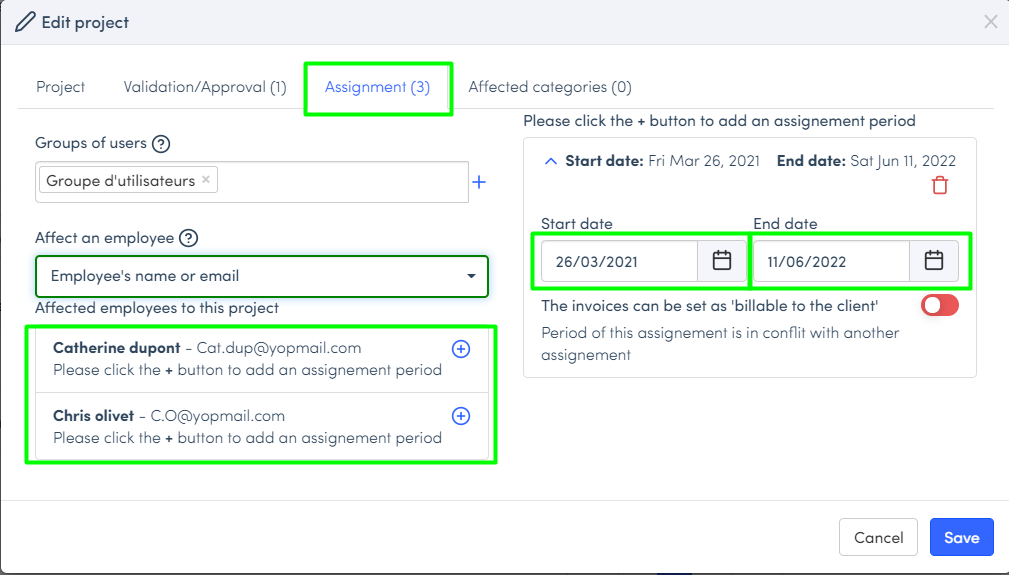
- When assignments are configured, Save.
Note: If you do not assign any employees, the project will be visible to all users of the tenant.
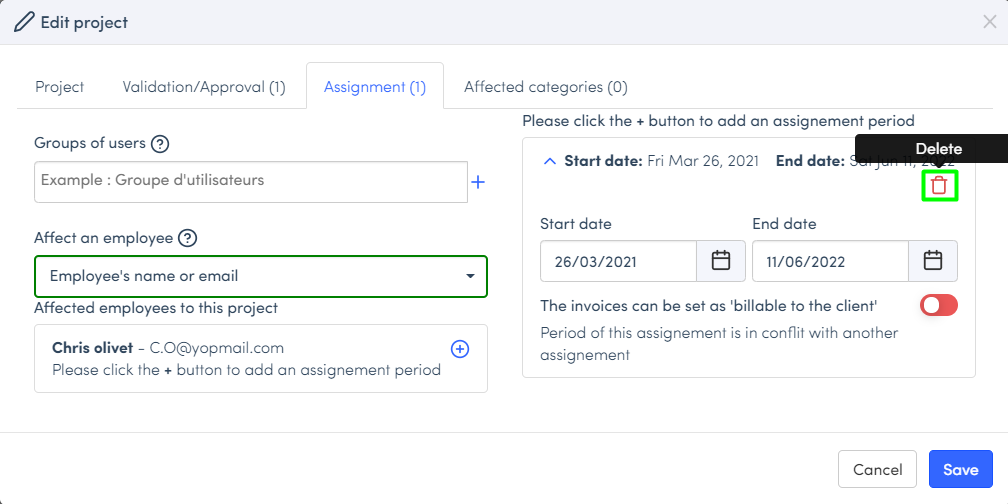
To delete an assignment, click on the Bin button and save.
Was this article helpful?
That’s Great!
Thank you for your feedback
Sorry! We couldn't be helpful
Thank you for your feedback
Feedback sent
We appreciate your effort and will try to fix the article