On Expensya, you can generate a new password in case you forgot the old one. You can also update an existing password. This feature is available to any user with a valid account on Expensya.
Forgot your password?
If you have forgotten your password and need to create a new one simply:
- Click on Forgot password on Expensya's login page.
- Type in the email address you use to log in.
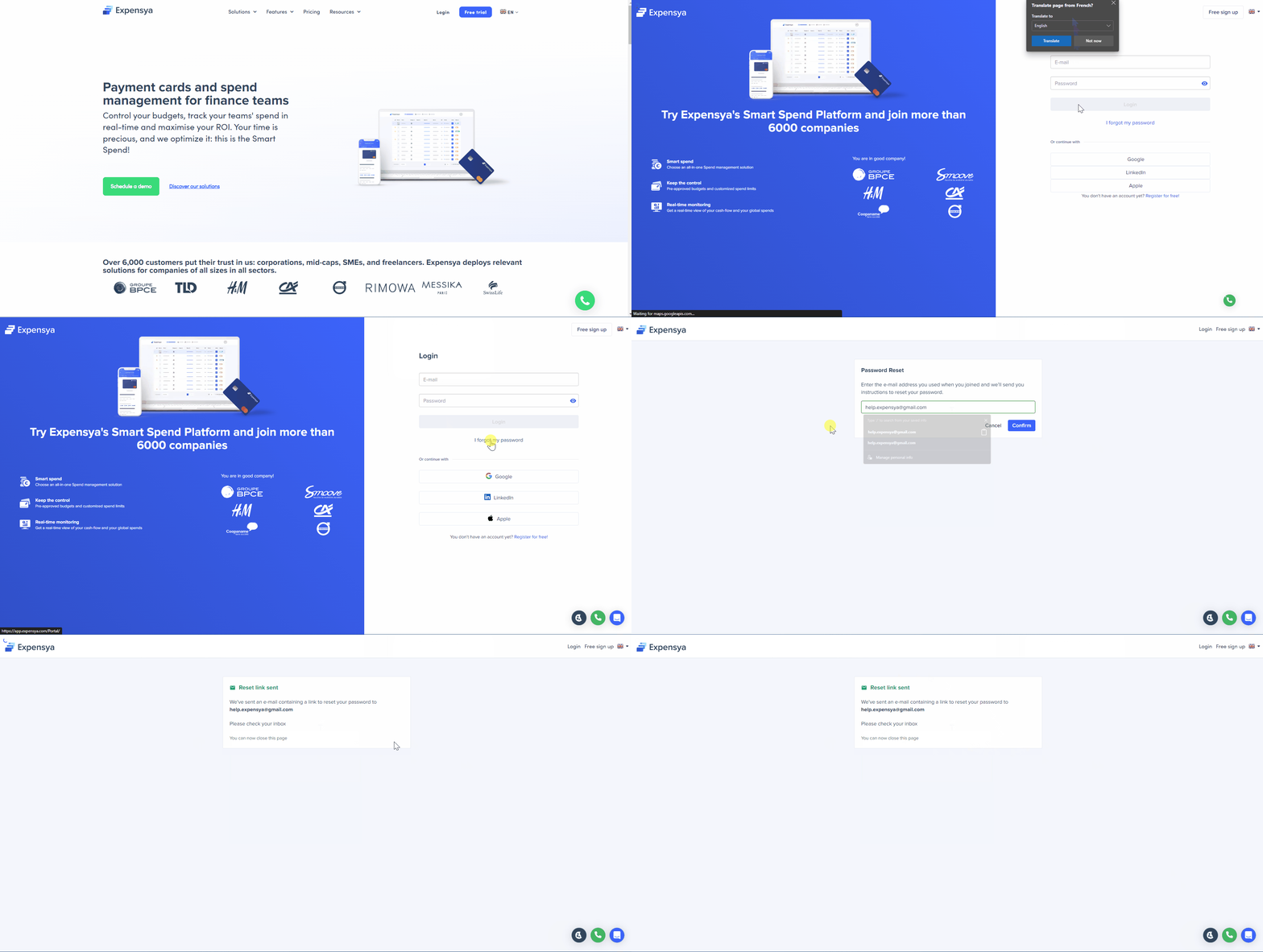
- An email will be sent to you instantly with a link to generate a new password.
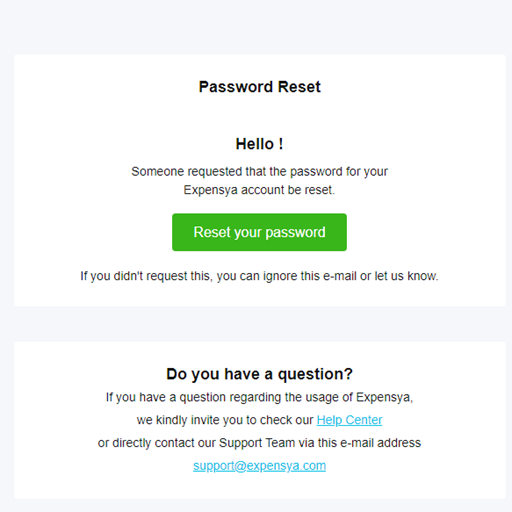
- By clicking on the Reset your password button, you will be automatically redirected to the Expensya interface where you can create a password.
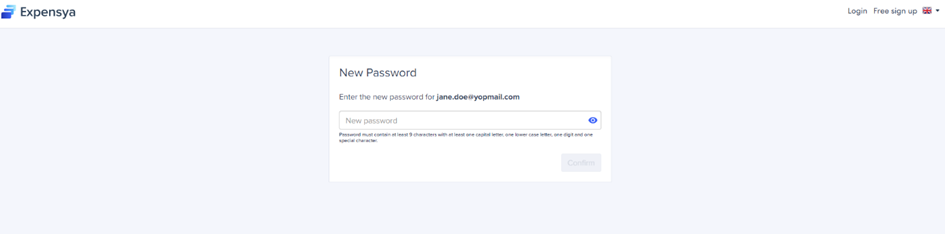
Change your password:
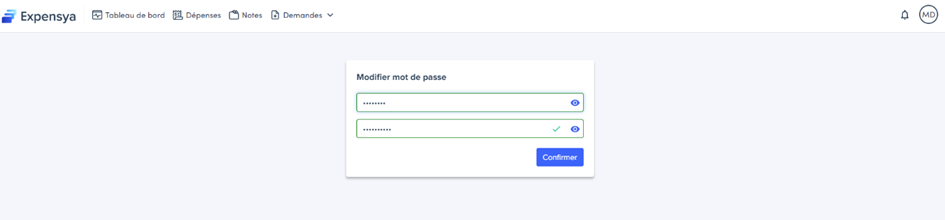
To change your password, simply:
- Click on your name at the top right of your screen.
- Click on Password.
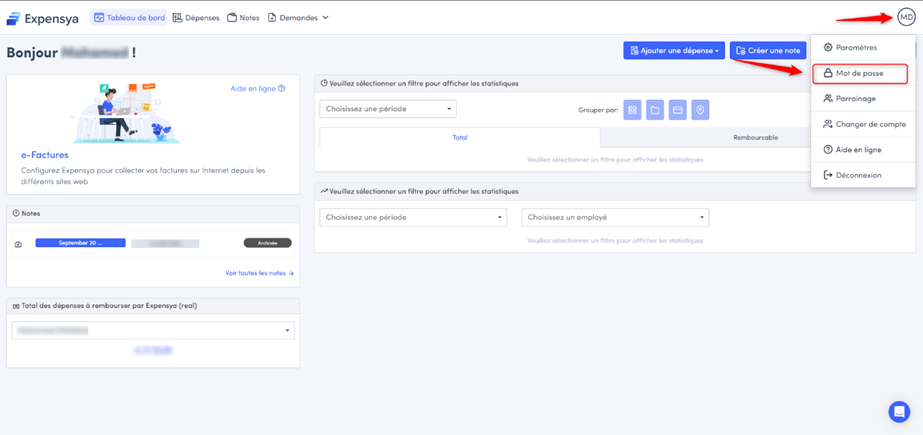
- Change your password then click on Confirm to save the new password.
Was this article helpful?
That’s Great!
Thank you for your feedback
Sorry! We couldn't be helpful
Thank you for your feedback
Feedback sent
We appreciate your effort and will try to fix the article