How to change your subscription offer:
- Go to the Admin tab
- Click on Subscription on the sidebar menu, under Subscription and Bills menu.
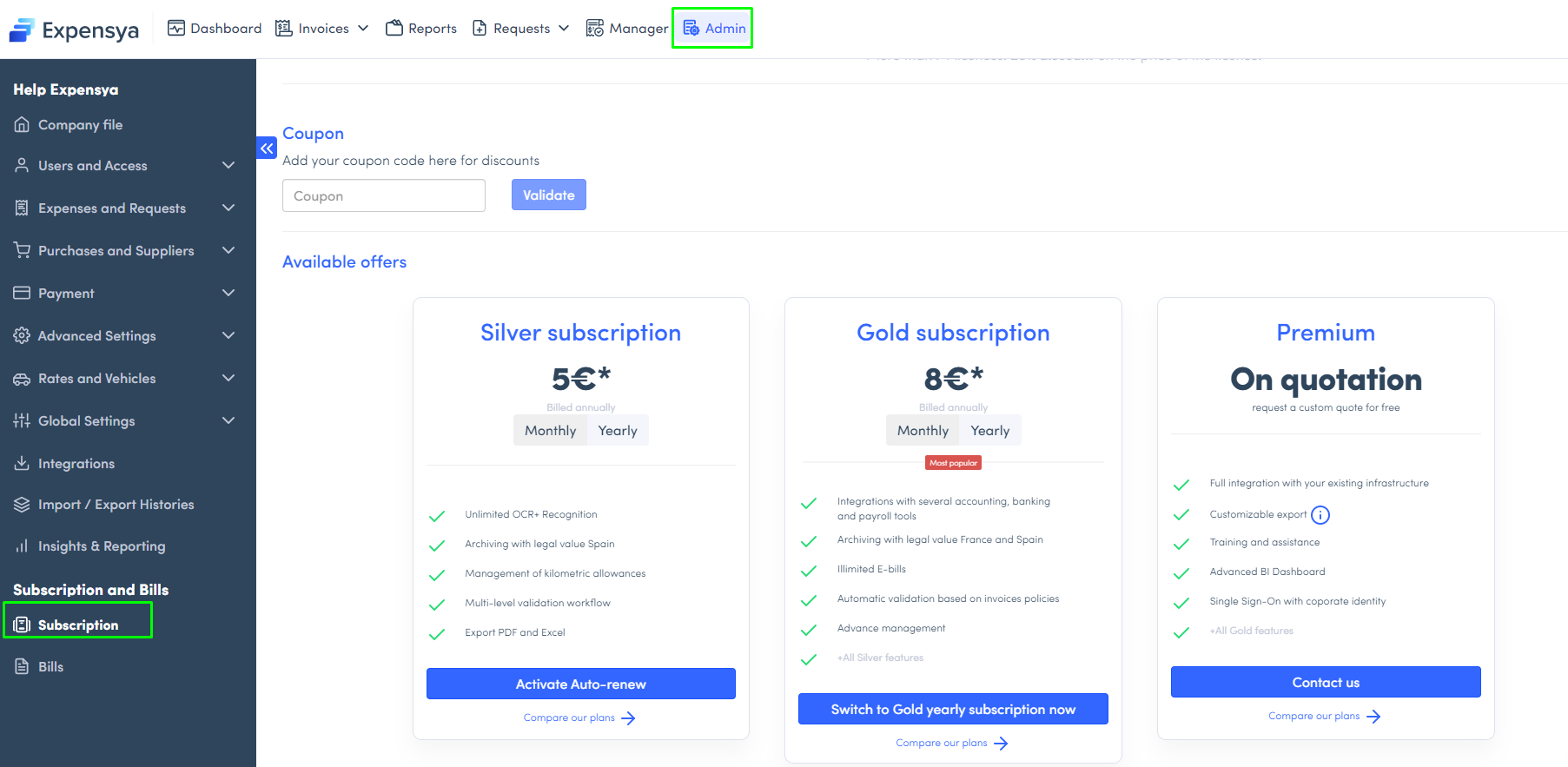
All you have to do is choose the subscription that suits you best and select whether you wish to settle monthly or annually.
Note: Note that auto-renewal is enabled by default, to disable it, please see this article.
Was this article helpful?
That’s Great!
Thank you for your feedback
Sorry! We couldn't be helpful
Thank you for your feedback
Feedback sent
We appreciate your effort and will try to fix the article