If you have been assigned a card by your employer, you need to accept the invitation first by giving your consent.
To accept the invitation, you can follow either of the two methods listed below.
Option 1: Accept the invitation from the email received:
Accept the invitation by following these steps:
- Go to your email inbox.
- Find the email received from Expensya
- Click on Accept the invitation
- You will be redirected to a web page, enter your mobile number.
- You will receive an SMS with a link, click on the link to authenticate.
Once the authentication is finalized, you can request your first budget, have it approved and start using your card.
Warning: If you enter a mobile number that is already in use by another cardholder, this operation will fail, please try again with a different mobile number.
Option 2: Accept the invitation from the web portal:
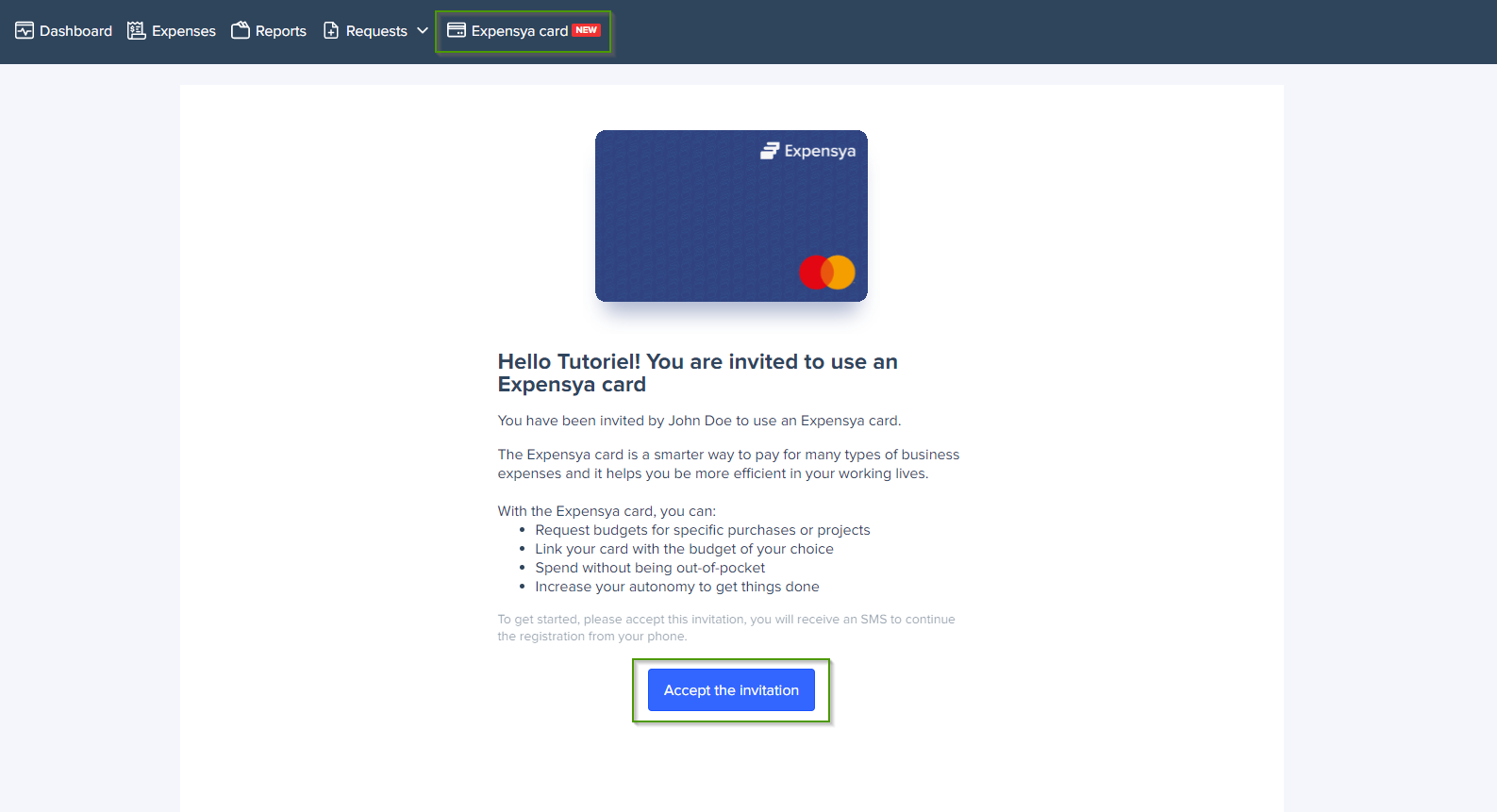
Accept the invitation by following these steps:
- Login to Expensya account on the web
- Head over to Expensya Card menu.
- Click on Accept the invitation
- You will be redirected to a web page, enter your mobile number.
- You will receive an SMS with a link, click on the link to authenticate.
Once the authentication is finalized, you can request your first budget, have it approved and start using your card.
Was this article helpful?
That’s Great!
Thank you for your feedback
Sorry! We couldn't be helpful
Thank you for your feedback
Feedback sent
We appreciate your effort and will try to fix the article