What is SSO login?
SSO (SINGLE SIGN-ON) login is an automatic login based on the user's work session or work email being configured on their computer or phone.
Login with SSO on the web version:
To log in with SSO from the web version of the account, users simply go to the expensya.com website and enter their business email:
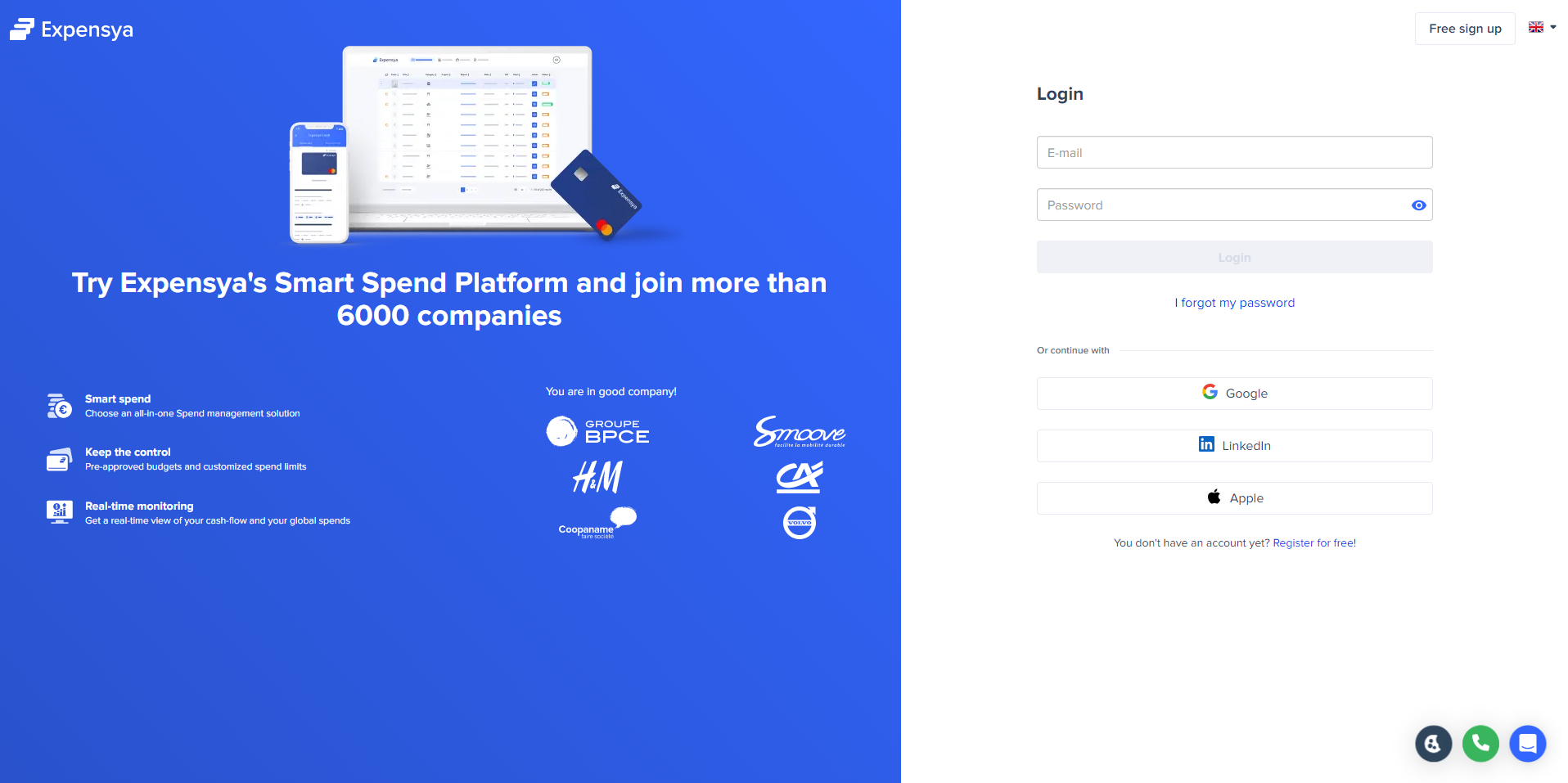
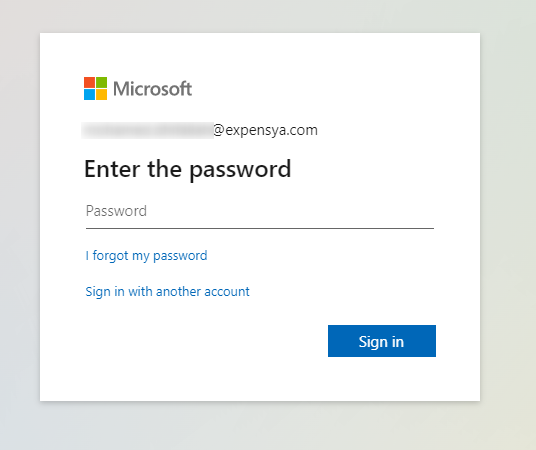
As soon as the email address is added, the user is redirected to the authentication interface of his tenant where he must enter his Intranet password.
Login with SSO on the mobile version:
To log in with SSO from the mobile version of the account, the user simply opens the Expensya application on their smartphone and enters their work email on the login page:
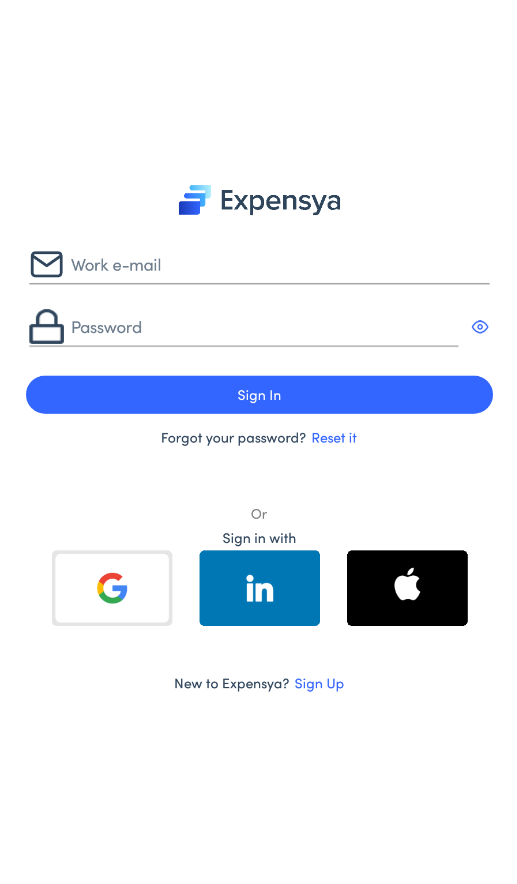
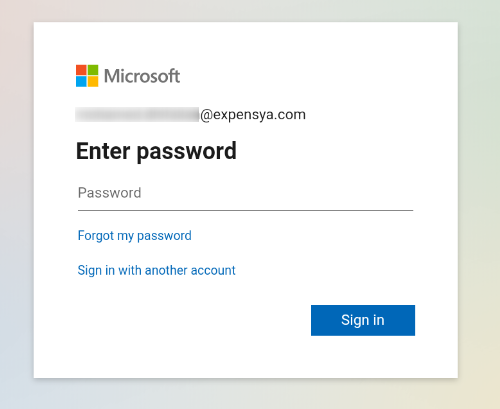
As soon as the email address is added, the user is redirected to the authentication interface of his tenant where he must enter his Intranet password.
What if I have a problem with my SSO connection?
There are two possible scenarios if the SSO connection is not successful:
- If the user is not redirected to the authentication interface, he/she should contact Expensya support to verify with them the reasons that prevented the redirection from taking place.
- If the user is redirected to the authentication interface after entering their email address on the Expensya login page but is unable to log in, they should contact the IT department within their company to check with them.
Was this article helpful?
That’s Great!
Thank you for your feedback
Sorry! We couldn't be helpful
Thank you for your feedback
Feedback sent
We appreciate your effort and will try to fix the article