Want to create an Expensya trial account? Great!
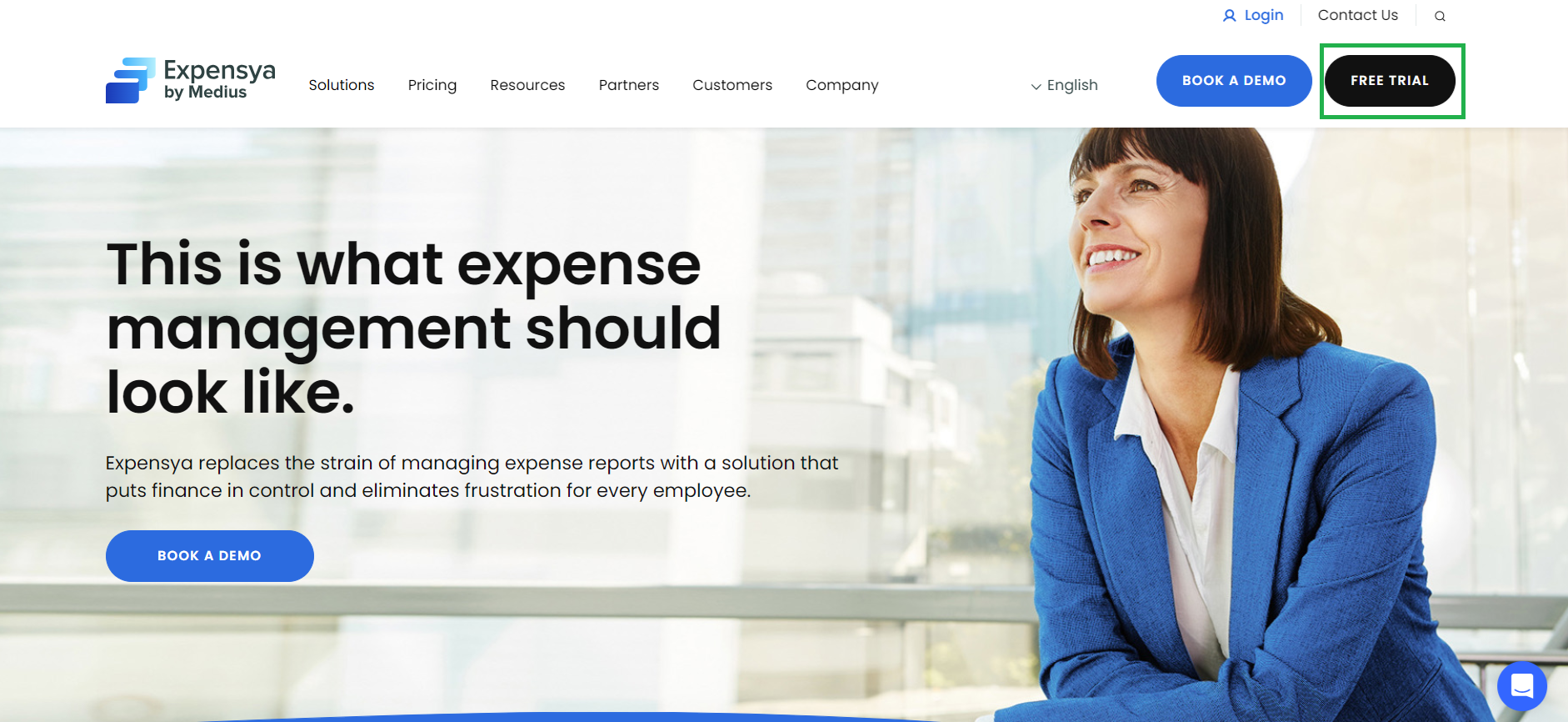
To do this from the website www.expensya.com,
- Click on Free trial.
- Choose one of the methods below to create your account and fill in the the form:
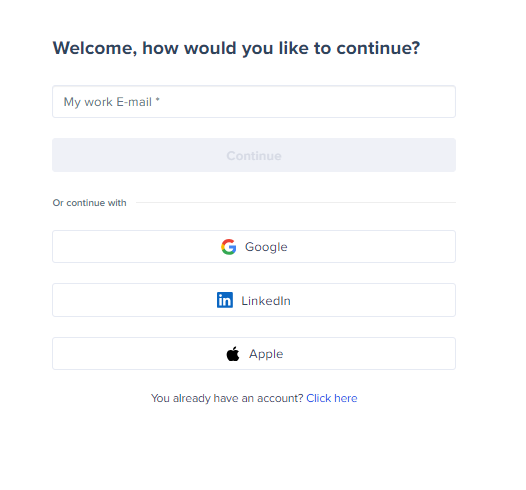
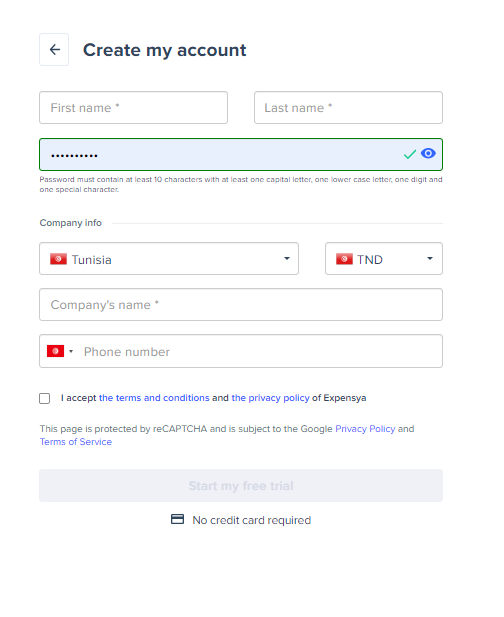
- And login to your account
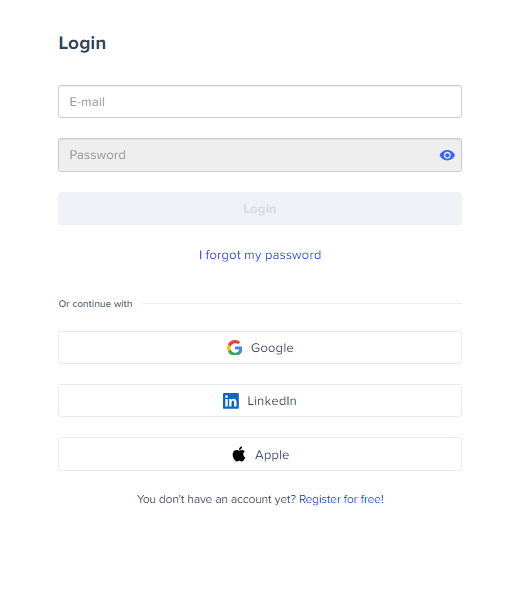
- You will receive an activation email in your mailbox.
If you want to create your account from your smartphone, just download the Expensya NEXT app from the Apple Store or Play Store.
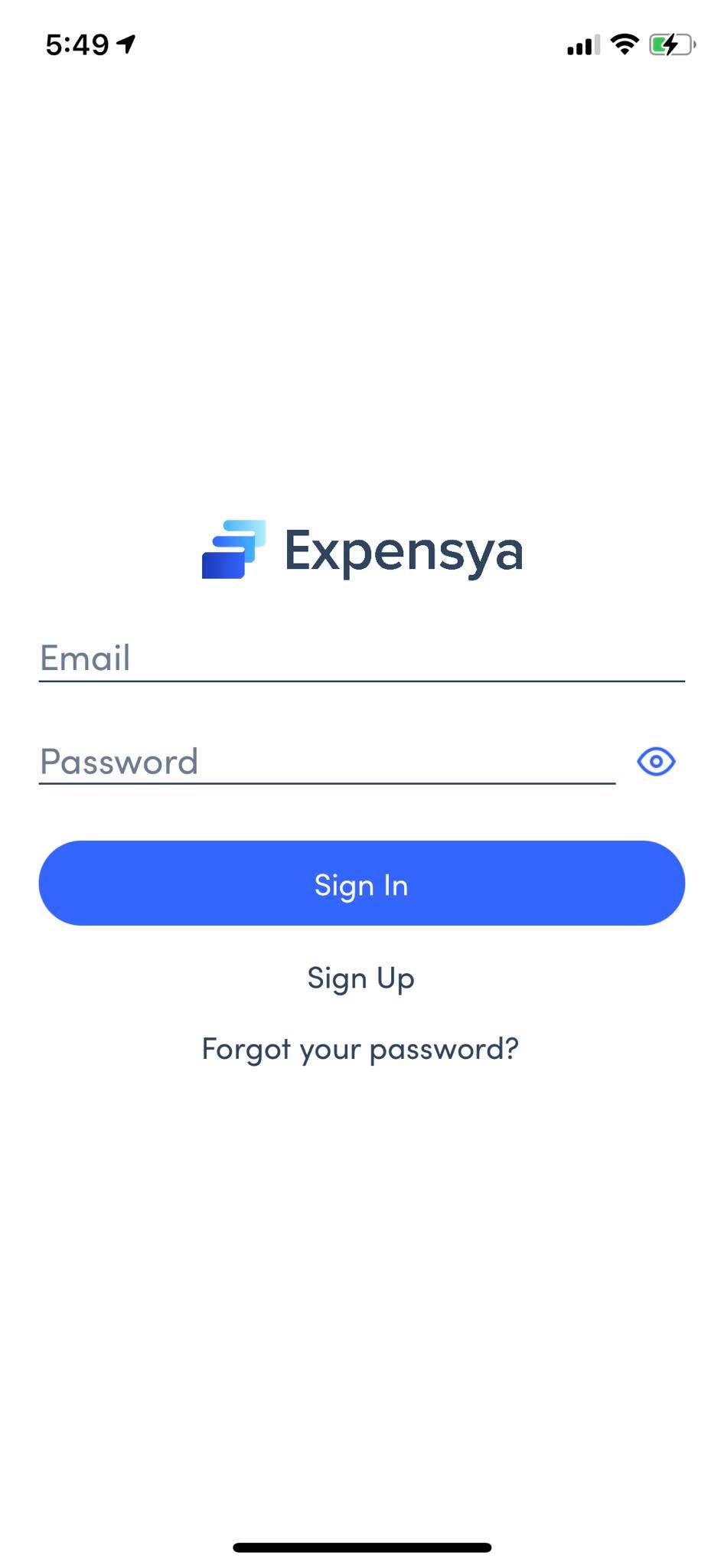
- When you open the app, click on Sign Up
- And then enter your email address and fill in the form
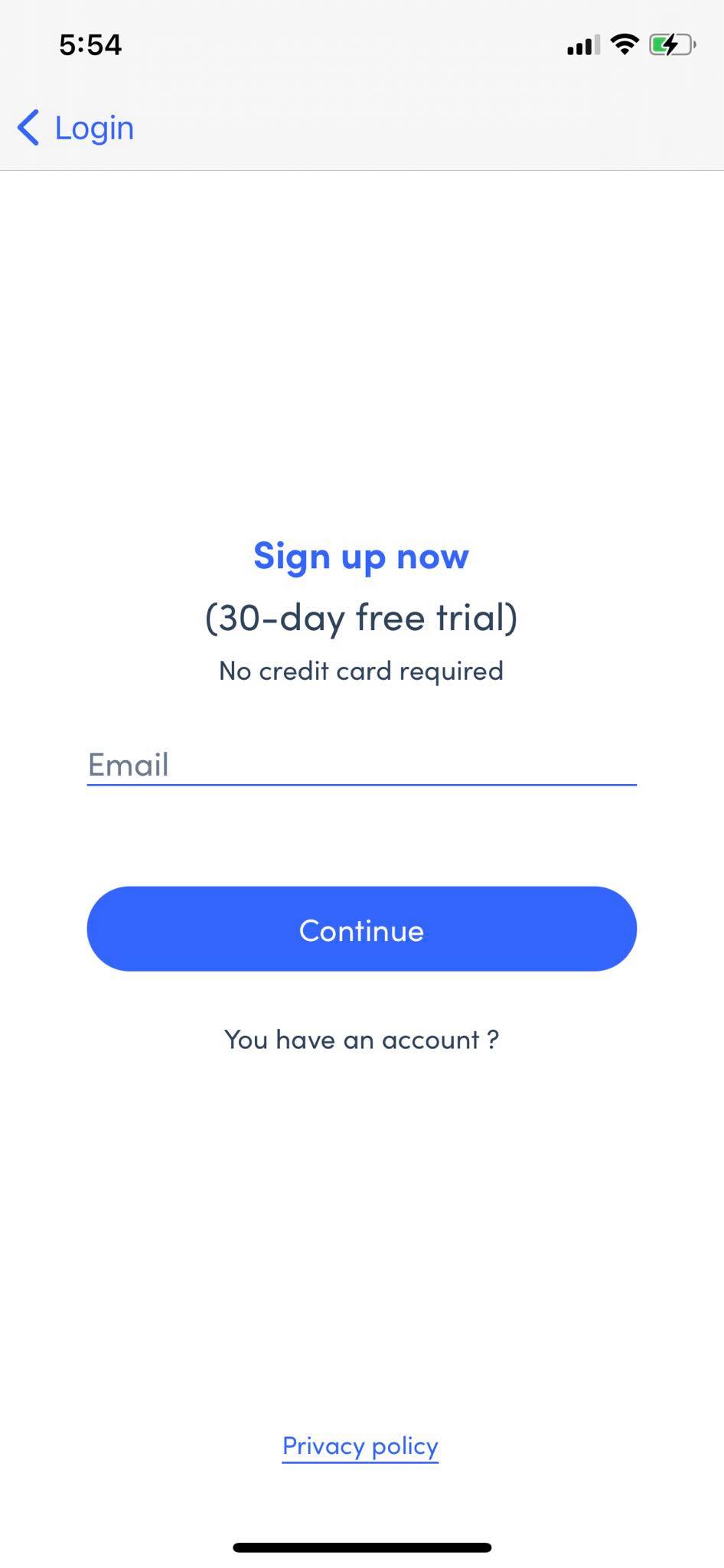
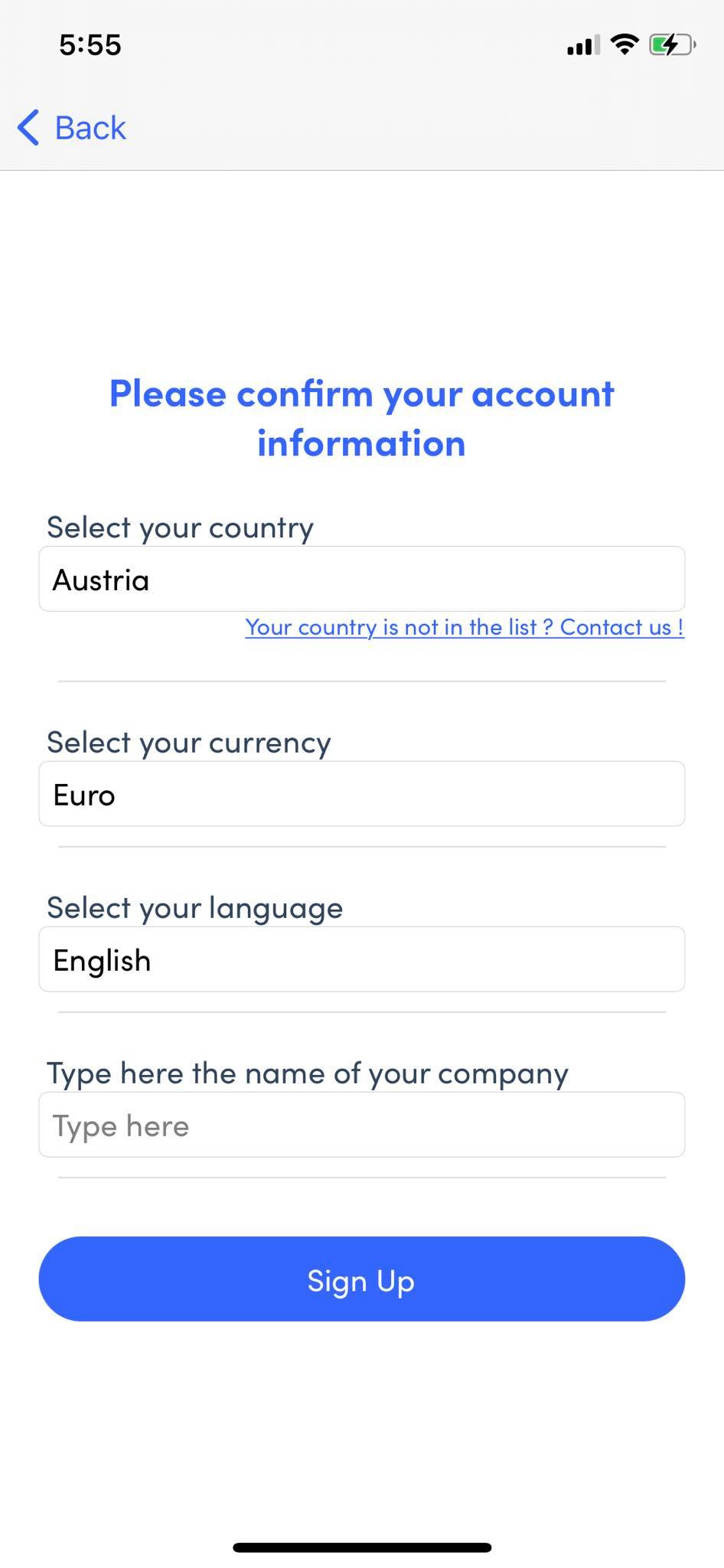
And you can start enjoying the application!
Was this article helpful?
That’s Great!
Thank you for your feedback
Sorry! We couldn't be helpful
Thank you for your feedback
Feedback sent
We appreciate your effort and will try to fix the article