Expensya allows you to export your reports under several export formats from the Integrations submenu.
Note: Only an administrator can activate these export formats from the website.
To do so, the steps explained in the following article need to be followed : How to activate accounting export formats? - Expensya - Expense Reports - Online Help
This selected export will be added to your integrations list once it is activated.
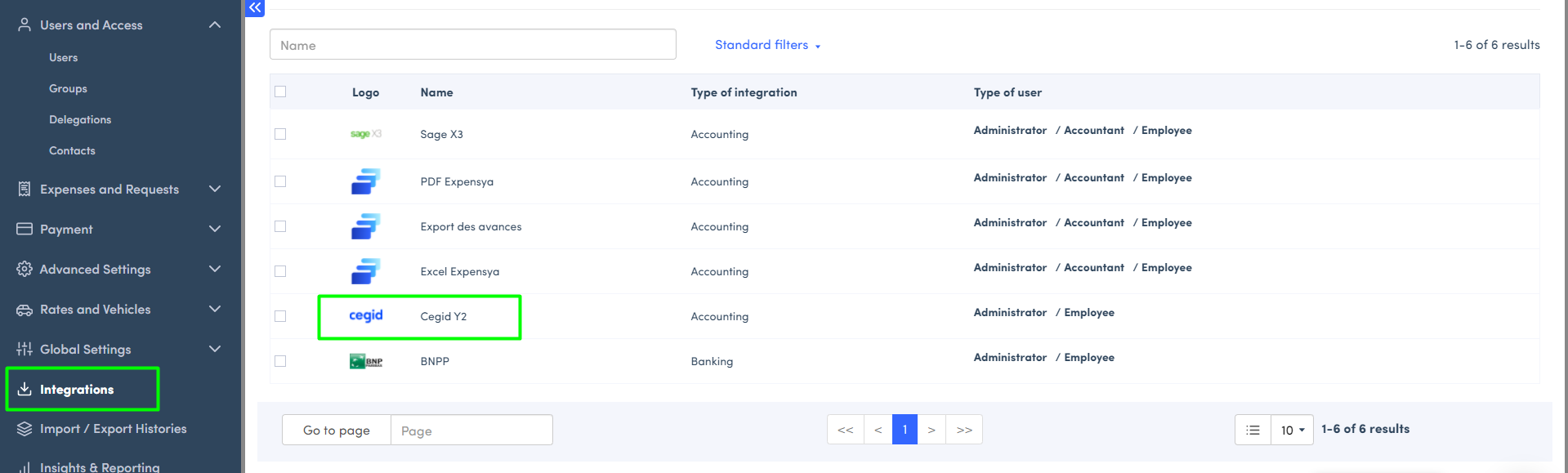
How to disactivate an export format?
From the list, it is posisble for admins to disactivate an export format following the steps explained in the previously linked article.
Was this article helpful?
That’s Great!
Thank you for your feedback
Sorry! We couldn't be helpful
Thank you for your feedback
Feedback sent
We appreciate your effort and will try to fix the article