This article groups the different email notifications sent by Expensya to users: collaborators, approvers, accountants and delegates.
Emails to collaborators:
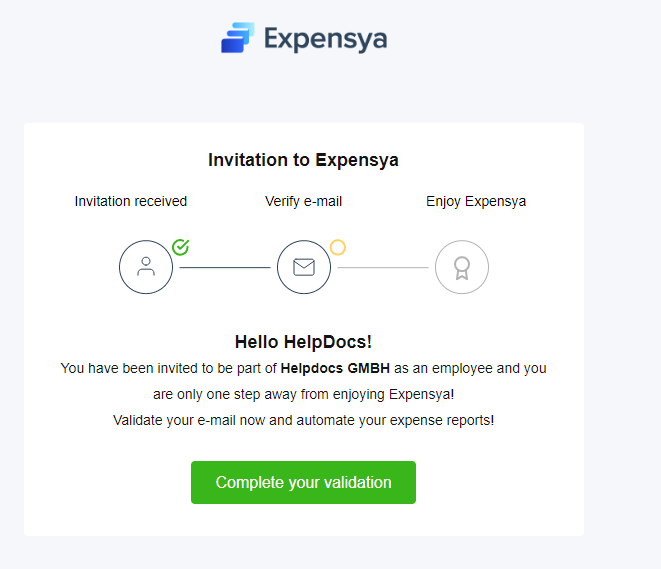
- When an administrator creates a new collaborator:
The latter receives an email to complete the validation of his account.
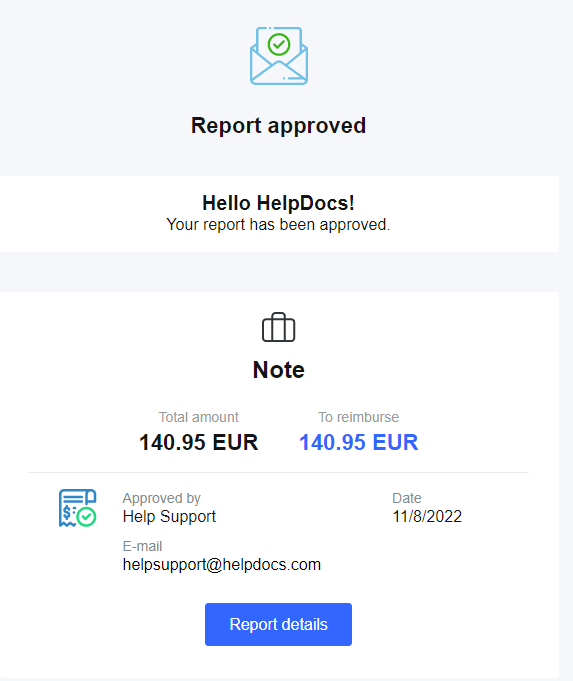
- When a report is approved:
When the approver approves a report, the employee receives an email notification that the report has been approved.
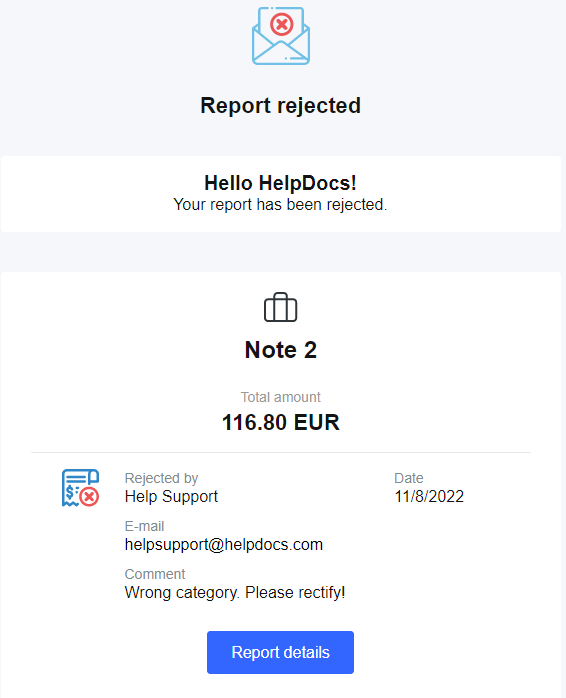
- When a report is Rejected:
When the approver rejects a report, the employee receives a notification email to inform him that his report has been rejected.
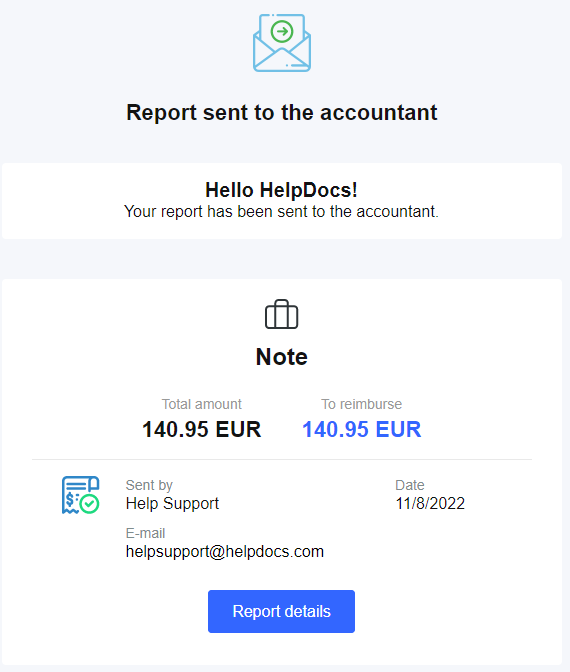
- When a report is sent to the accountant:
After the report is sent to the accountant, the employee receives an email notification that the report has been sent to the accountant.
- When a report is archived :
When the accountant archives a report, the collaborator receives a notification email to inform him that his report has been archived.

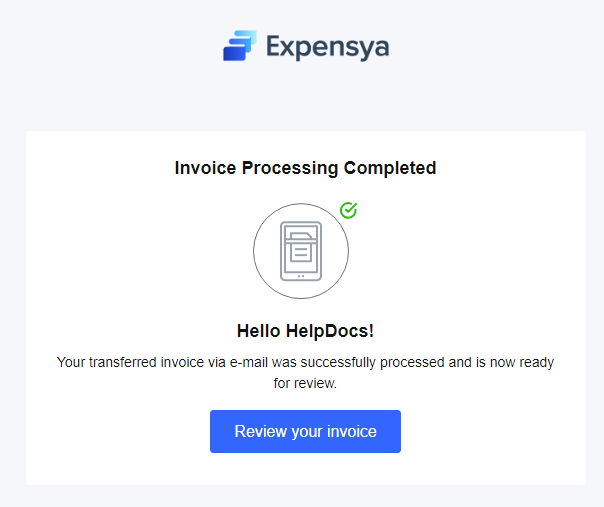
- After sending an invoice by email:
When the employee transfers an invoice via e-mail processing, he/she receives a notification e-mail to inform him/her that the transferred invoice has been successfully processed and is ready to be checked.
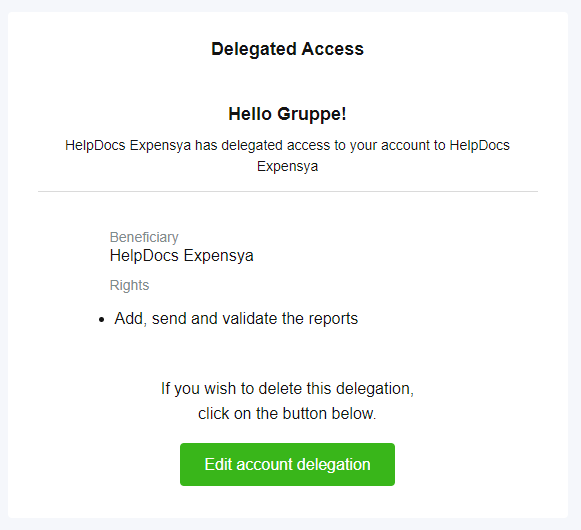
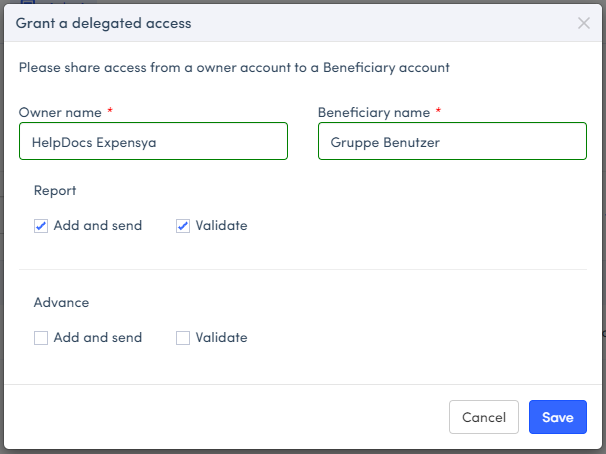
- In the case of receiving or creating an access delegation:
Quand une délégation d'accès est ajoutée par l'administrateur ou par un utilisateur,
- The beneficiary of this delegation receives a notification email to inform him/her that delegated access has been granted.
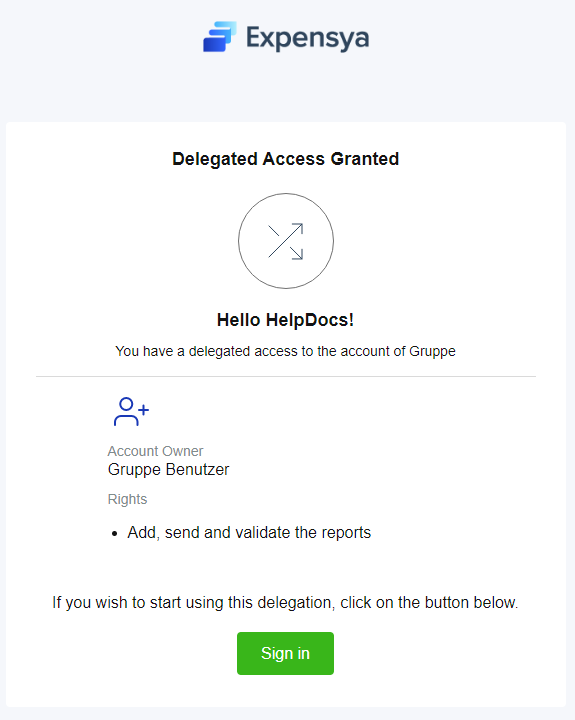
- The account owner receives an email notification that delegated access has been granted for their account.
Approval emails:
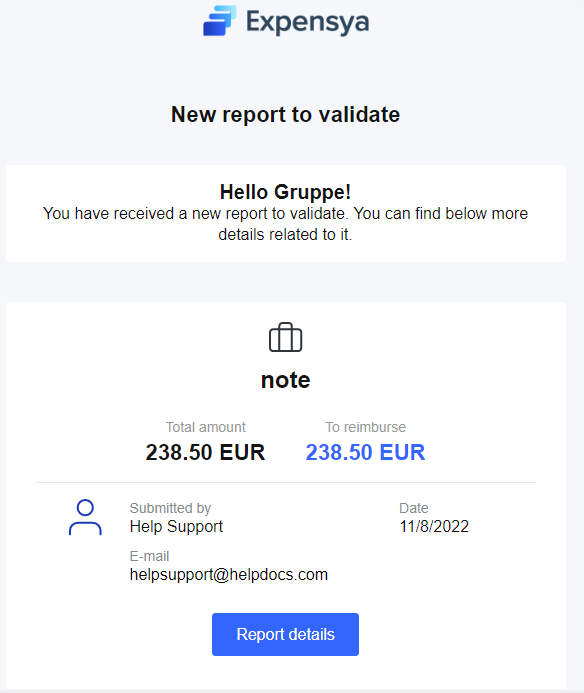
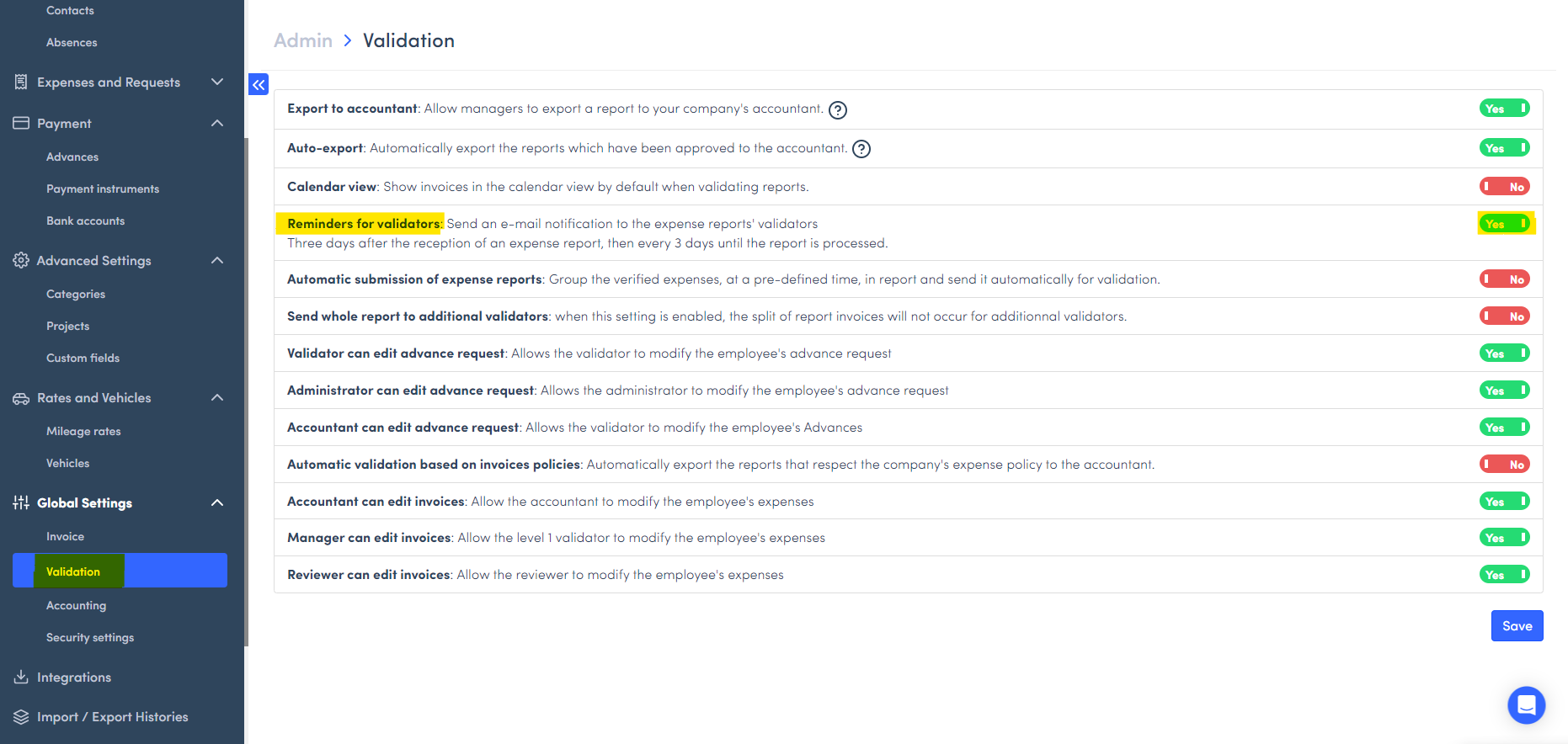
- Approvers receive an email notification when they receive a report to approve:
Whether it is a level 1, level 2 or level "n" approver, the latter is notified by email as soon as a report has been sent for approval.
The accountant receives an email notification when a report is sent to accounting.
- In the case of delegated access:
When the delegation of access includes approval the account owner for approval and the delegate for approval will receive email notifications when an expense report is submitted for approval.
Was this article helpful?
That’s Great!
Thank you for your feedback
Sorry! We couldn't be helpful
Thank you for your feedback
Feedback sent
We appreciate your effort and will try to fix the article