On Expensya, only the account admin can cancel the automatic renewal of the subscription.
To deactivate automatic renewal:
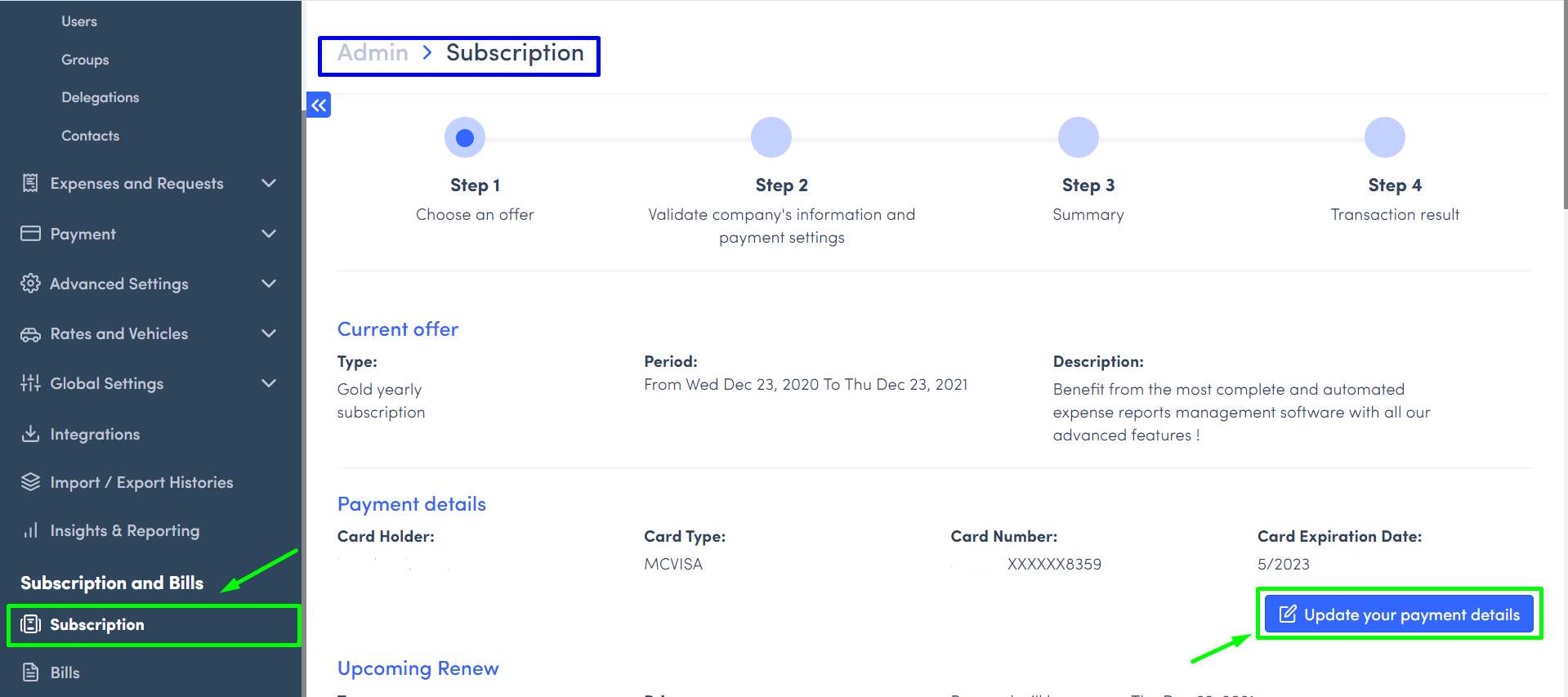
- Click on Admin tab from the website,
- Then on Subscription on the sidebar menu,
- Indicate if you want to activate or deactivate automatic renewal in the Next Renewal section.
Was this article helpful?
That’s Great!
Thank you for your feedback
Sorry! We couldn't be helpful
Thank you for your feedback
Feedback sent
We appreciate your effort and will try to fix the article