From your Expensya account, you can integrate the data into your Inexweb account.
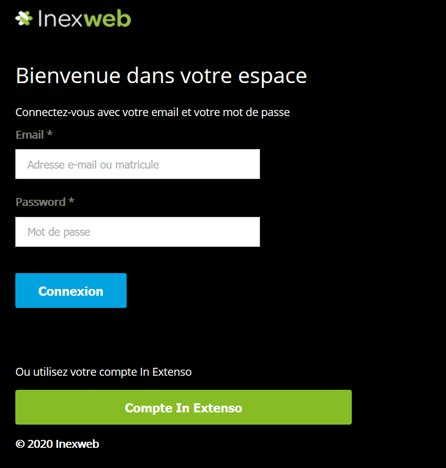
Go to https://auth.inexweb.fr/ and log in with your Inexweb credentials
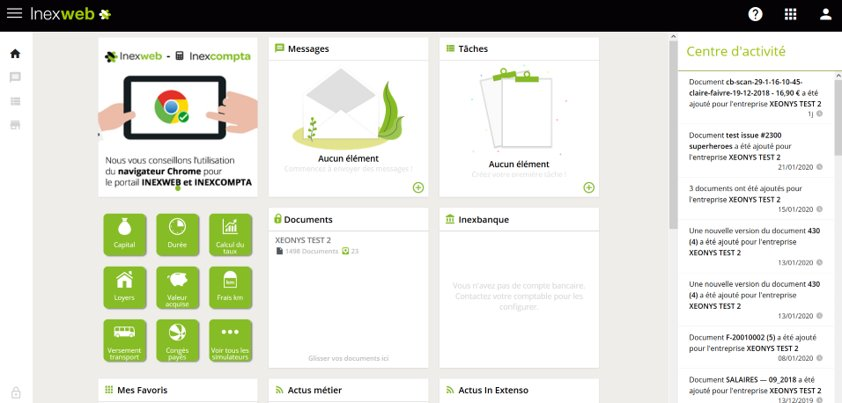
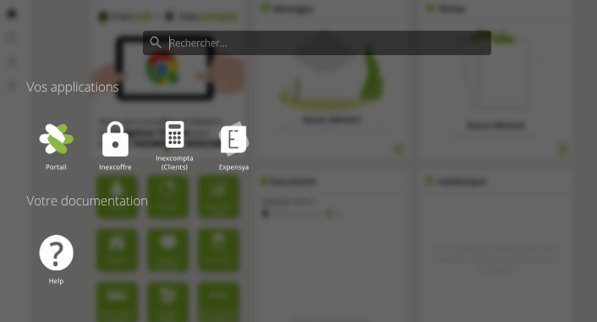
Go to the marketplace to find Expensya (by clicking on the icon at the top right of the screen )
By clicking on the Expensya icon, choose which account you want to associate with Expensya, you will be automatically redirected to your Expensya account
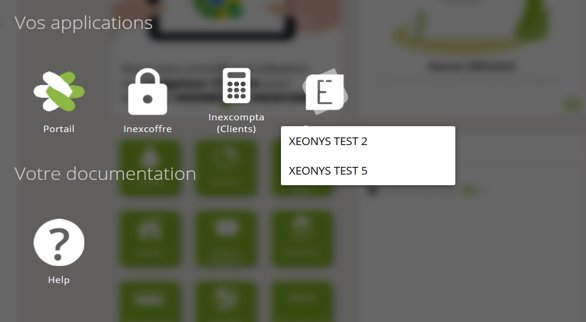
A window appears asking you to confirm your connection
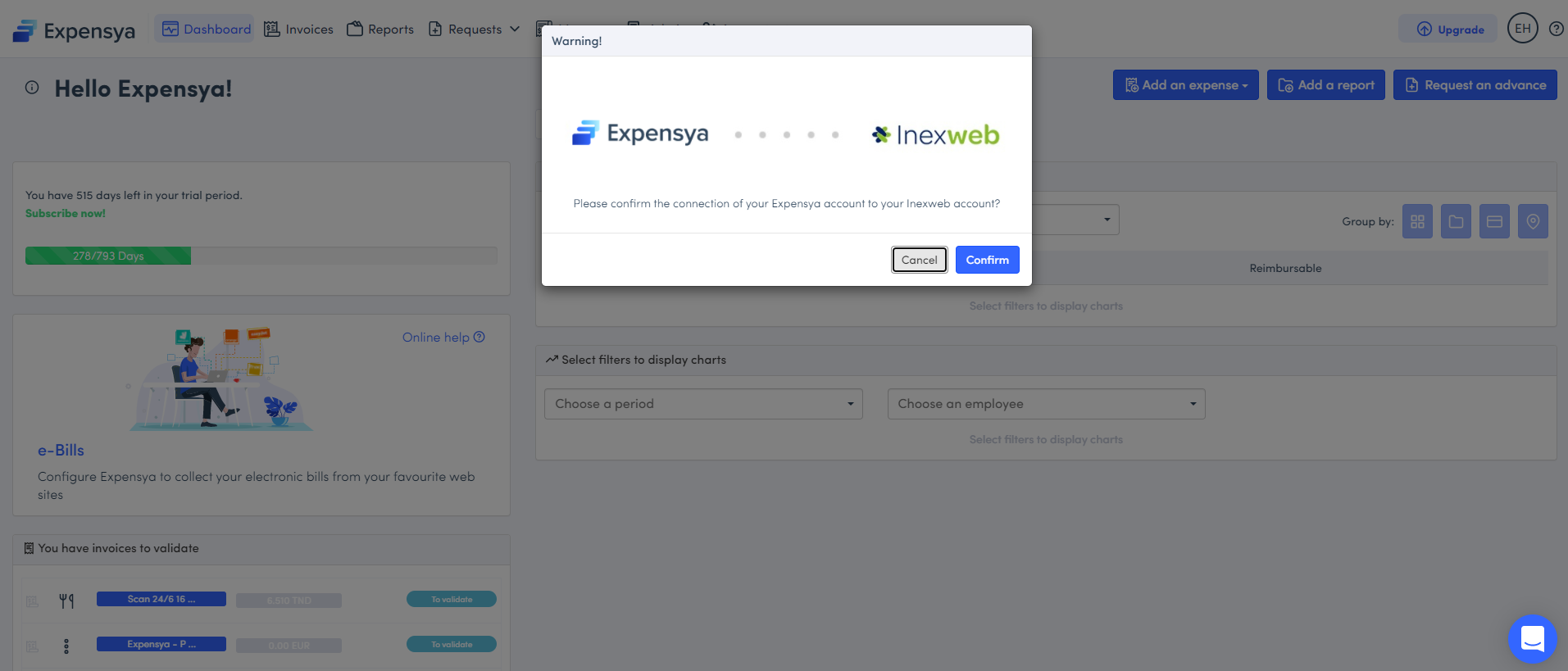
Click on 'Confirm'
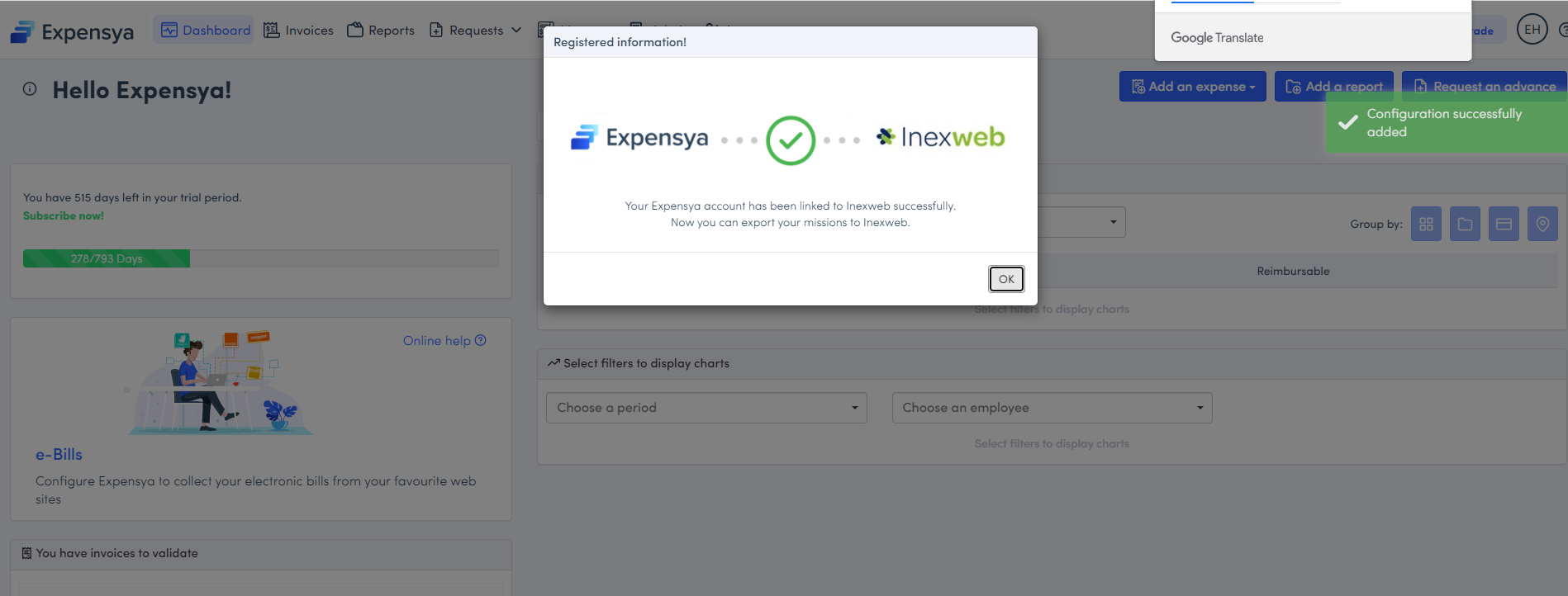
Exporting your reports from Expensya is done from the 'Administration' tab, 'Notes' submenu, next to each expense report line an icon will give you the status of the export:
- Green: export has succeeded
- Gray: export is being processed
- Red: export failed, click on the icon to see the error
Was this article helpful?
That’s Great!
Thank you for your feedback
Sorry! We couldn't be helpful
Thank you for your feedback
Feedback sent
We appreciate your effort and will try to fix the article